


Best printer for small retailers: Xerox, HP, and Brother comparison 2025 🖨️
If you run a small or medium-sized business in Saudi Arabia, a printer is more than just a device—it's an essential daily tool for printing invoices, receipts, offers, and contracts. A single mistake in choosing the right printer could cost you thousands of riyals annually in high operating costs or frequent breakdowns.
In this guide we compare three real options based on usage type, budget and actual page cost — not based on initial price alone.
The first question before any choice: How many pages do you print daily? 📊
This question determines everything. Before comparing devices, determine your print size:
Less than 50 pages per day: An economical home laser printer is sufficient.
50 to 200 pages per day: A medium-sized office laser printer such as Xerox or Brother.
More than 200 pages per day: a professional laser printer or copier.
Now let's go into the comparison in detail.
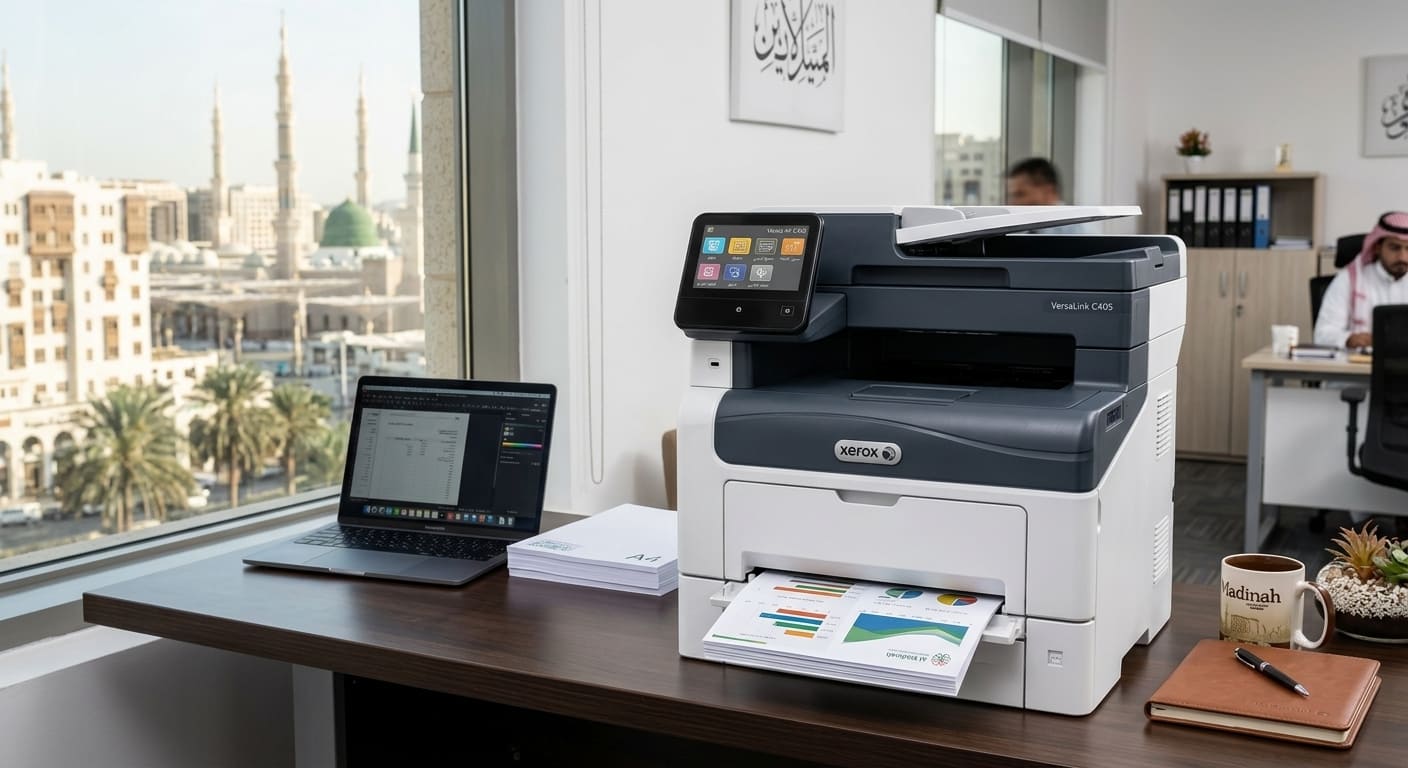
Option 1: Xerox Phaser 3020Bi — For heavy daily invoices at the lowest page cost ⚡
Who is it for?
The retailer who prints invoices, receipts, and text documents in large quantities daily wants the lowest possible cost per page without the need for color printing.
Essential specifications
- Printing speed: 24 pages per minute — completes 200 invoices in less than 9 minutes.
- Connection: Wi-Fi for printing from multiple devices in the store without cables.
- Compact size: Fits the counter of a small shop.
- Monochrome printing: Ideal for text documents and invoices.
Operating cost
Compatible toner code: Xerox 106R02773 (Black) — 1,500 page capacity.
High-capacity toner code: Xerox 106R02774 — 3,000-page capacity.
Cost per page with original toner: Less than 0.10 per page. Among the lowest costs in its category.
Browse original and alternative Xerox inks at the Sea Waves store.
Features of the Xerox Phaser 3020Bi for the Merchant
✅ High speed suitable for peak hours in the store.
✅ Wi-Fi enables printing from a cashier, phone, or computer.
✅ Very low cost per page in the long run.
✅ Small size, does not take up much space.
Its flaws
❌ Monochrome printing only — not suitable if you require color displays.
❌ Automatic double-sided printing is not supported.
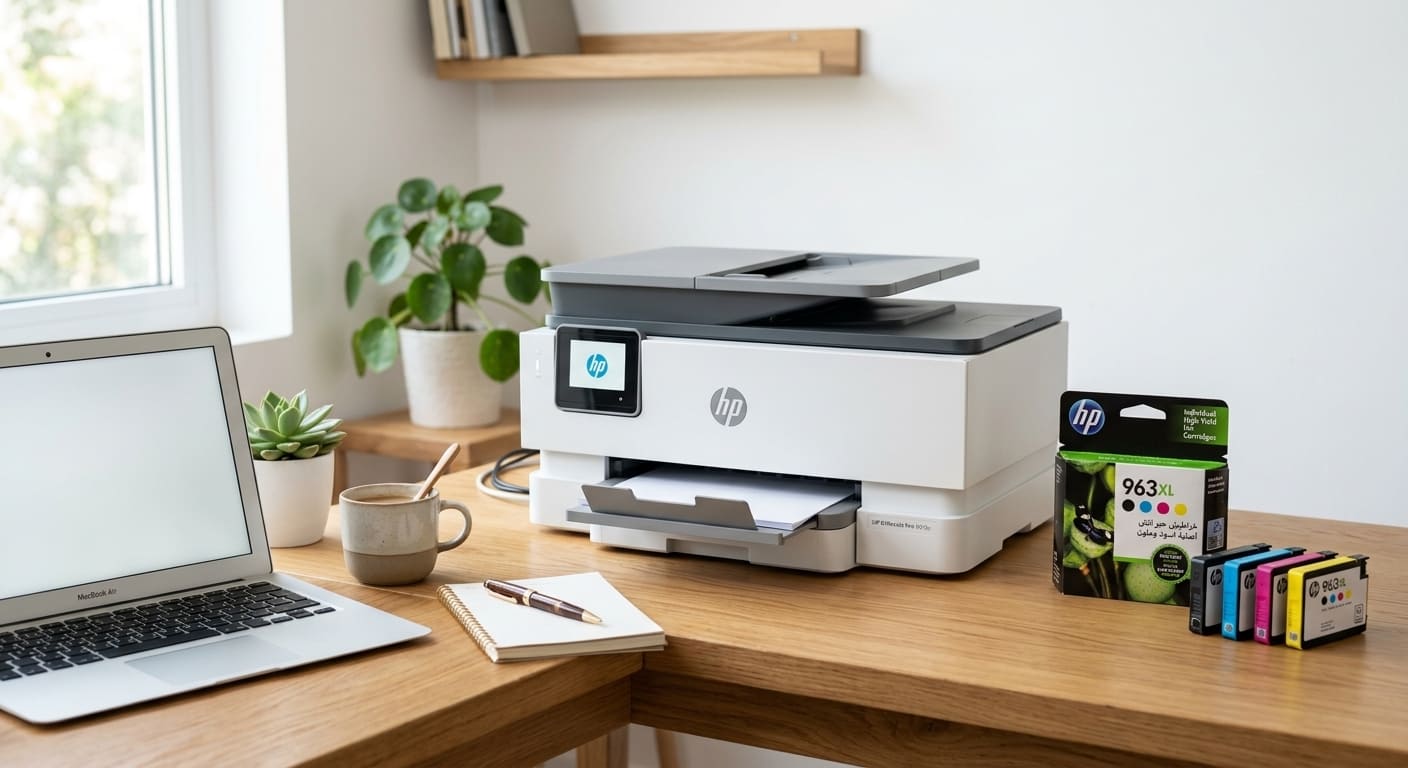
Option 2: HP LaserJet Pro M428fdw — Multitasking for active offices 💼
Who is it for?
The owner of a small shop or office who needs to print, copy, and scan all in one device, with the occasional need to email documents directly from the device.
Essential specifications
- Print speed: 38 pages per minute — one of the fastest printers in its class.
- Multifunctional: Print + Copy + Scan + Send Email.
- Automatic double-sided printing: Saving 50% on paper consumption.
- Paper box: 350 sheets reduces frequent refilling.
- Network: Wi-Fi + Ethernet for printing to multiple users in the office.
Operating cost
Compatible toner code: HP CF258A (58A) — 3,000 page capacity.
High-capacity toner code: HP CF258X (58X) — 10,000 page capacity.
Printers compatible with code 58A:
- HP LaserJet Pro M404n / M404dn / M404dw
- HP LaserJet Pro MFP M428dw / M428fdn / M428fdw
Browse HP laser toner cartridges at Amwaj Al Bahr store, or save with the reliable alternative AWD toner .
Features of the HP LaserJet Pro M428fdw for the Merchant
✅ Fastest in its class — 38 pages/minute.
✅ Multifunctional, eliminates the need for a separate scanner.
✅ Automatic double-sided printing saves paper.
✅ Large paper capacity suitable for intensive use.
✅ HP's reputation and widespread availability make it easy to find ink anywhere.
Its flaws
❌ Its price is higher compared to the other two options.
❌ Its larger size requires a suitable space.
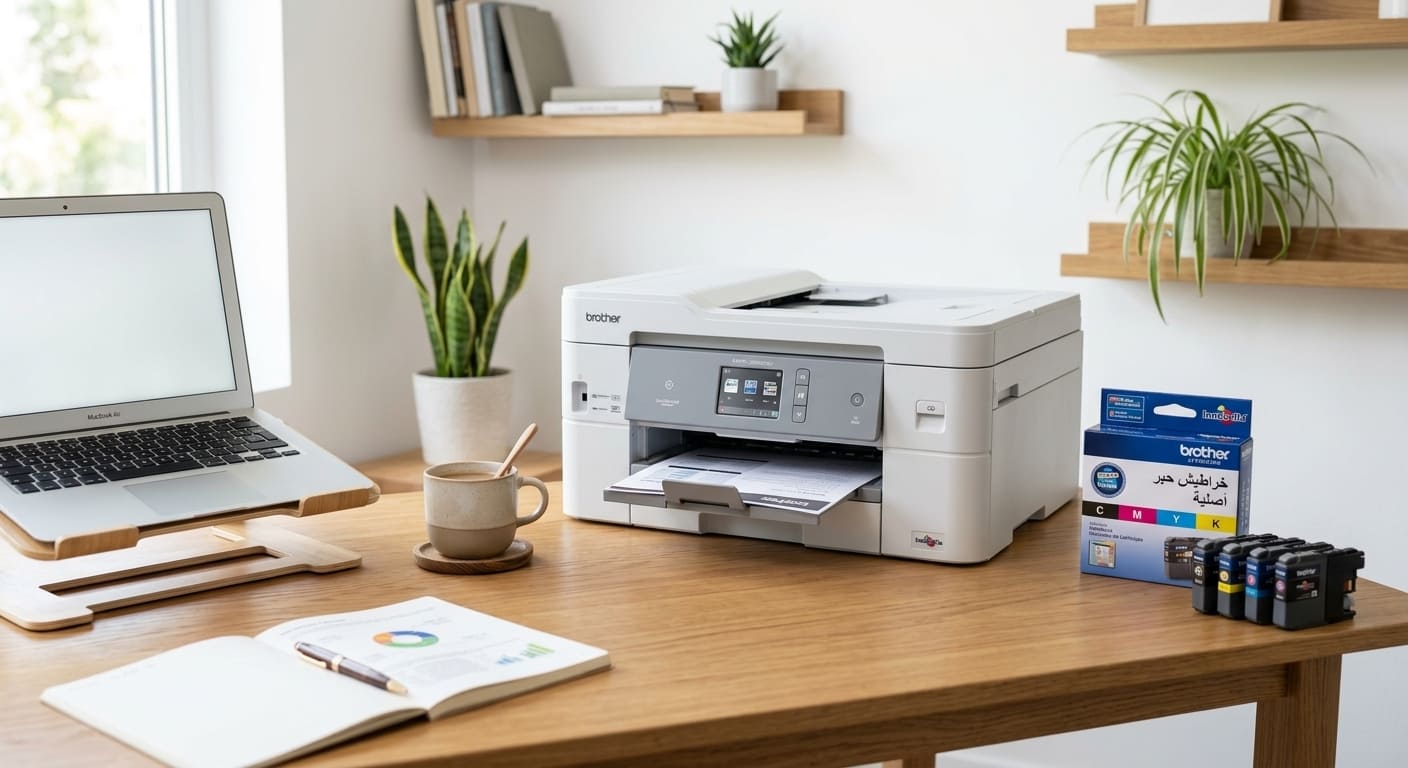
Option 3: Brother HL-L2370DW — The most economical in the long run 💰
Who is it for?
The merchant who wants the lowest total cost of operation over the years — because Brother was originally built to provide cost-per-page savings compared to competitors.
Essential specifications
- Printing speed: 32 pages per minute .
- Automatic double-sided printing.
- Wi-Fi + Ethernet for network printing.
- Paper box: 250 sheets.
- Long lifespan with less maintenance.
Operating cost
Toner code: Brother TN-2420 (High Capacity) — 3,000 page capacity.
Or Brother TN-2410 (Basic) — 1,200 page capacity.
Compatible printers:
- Brother HL-L2310D / HL-L2350DW / HL-L2370DN
- Brother DCP-L2510D / DCP-L2530DW
- Brother MFC-L2710DW / MFC-L2730DW / MFC-L2750DW
Browse Brother laser toner cartridges from the Sea Waves store.
Features of the Brother HL-L2370DW for the trader
✅ More cost-effective per page in its category when used intensively.
✅ Double-sided printing reduces paper consumption.
✅ Longer lifespan and less maintenance required.
✅ The high-capacity toner (TN-2420) prints 3,000 pages at a low cost.
Its flaws
❌ This model is not multitasking.
❌ Color printing is not supported.
Quick comparison chart between the three 📋
speed:
Xerox Phaser 3020Bi → 24 pages/minute
HP LaserJet Pro M428fdw → 38 pages/minute ✅ Fastest
Brother HL-L2370DW → 32 pages/minute
Jobs:
Xerox → Print Only
HP → Print + Copy + Scan + Email ✅ The most comprehensive
Brother → Print only (in this model)
Long-term operating costs:
Xerox → Very low ✅
HP → Medium to Low
Brother → Lowest cost per page ✅
Double-sided printing:
Xerox → ❌ No
HP → ✅ Yes, automatically
Brother → ✅ Yes, automatically
Wi-Fi:
Xerox → ✅ Yes
HP → ✅ Yes
Brother → ✅ Yes
Most suitable for:
Xerox → Bulk Invoices and Documents
HP → A complete office suite that also needs copying and scanning
Brother → Lower long-term operating costs
When should you choose an EcoTank/Ink Tank printer? 🖥️
If your business combines invoice printing with color printing (price lists, marketing materials, labels), then an ink tank printer such as the HP Smart Tank 580 or Epson EcoTank L3250 is worth considering.
Features:
- The cost of a color page is much lower than that of traditional cartridges.
- A single bottle of ink prints thousands of colored pages.
- Suitable for delivery shops, restaurants, and businesses that need a colorful visual identity on a daily basis.
Compatible ink code: Epson 003 for Epson EcoTank L3250, L3150 and L3110 printers.
BrowseEpson inks from the Sea Waves store.
The most important factor that most retailers overlook: the cost per page, not the printer price 💡
The most common mistake when buying a printer is focusing on the price of the device and ignoring the actual cost per page .
Realistic mathematical example:
A printer A costs 400 riyals and the cost per page is 0.15 riyals.
The B printer costs 700 riyals and its page costs 0.07 riyals.
If you print 3,000 pages per month:
Printer A → 3,000 × 0.15 = 450 riyals per month on ink.
Printer B → 3,000 × 0.07 = 210 Riyals per month on ink.
The difference is 240 riyals per month, or 2,880 riyals annually. A B printer will save you more than seven times its initial price difference in the first year alone.
Expert tip: Reliable ink protects your printer investment 🛡️
Regardless of the printer you choose, the ink you use determines its lifespan and operating costs.
Using cheap, unknown-source ink might save you 20 riyals on the cartridge, but it will cost you 300 riyals in printhead repairs or drum replacement. This isn't an exaggeration—it happens every day.
The smart choice: AWD ink from Amwaj Al-Bahr store — brand new, manufactured with high-quality Japanese powder, each cartridge is heat-sealed, and features updated chips compatible with the latest printer models, along with a genuine warranty that guarantees the safety of your printer. Save between 40% and 60% off the original price without compromising on quality or safety.
Also browse original inks for all brands if you prefer original ink.
Where do you buy from? 🛒
Amwaj Al-Bahr store specializes in providing printer ink to retailers and offices in the Kingdom:
📍 Madinah Al-Munawwarah — Al-Wabra neighborhood
📍 Riyadh — Al-Salihia Computer Center
🚚 Fast shipping to all cities in the Kingdom
Frequently Asked Questions ❓
Q: Which is better for a small grocery store — Xerox or Brother?
A: If you only print invoices in light to moderate volumes, the Xerox Phaser 3020Bi is the simplest and most cost-effective option. However, if you print large volumes daily and want long-term savings, the Brother HL-L2370DW offers the lowest cost per page over months and years.
Q: Is a laser printer better than an inkjet printer for a retailer?
A: Mostly yes — laser is much faster at printing large quantities, the cost per page is lower, and the ink doesn't dry out if the printer isn't used for a while. Inkjet is only suitable if you need high-quality color printing for marketing materials or photos.
Q: How do I calculate the actual cost of a page before purchasing?
A: Divide the price of the toner by the number of pages printed on the box. For example: 150 riyals worth of toner prints 3,000 pages → cost per page 0.05 riyals. Compare this figure between different options—it's the real deciding factor, not the printer price.
Q: Can I print wirelessly from my phone in the three options?
A: Yes, all three support Wi-Fi for wireless printing from phones and computers. HP also supports AirPrint for Apple devices and Google Cloud Print.
Q: Is the replacement ink safe for Xerox, HP, and Brother printers?
A: Reliable replacement ink like A.WD is perfectly safe. The problem lies with inferior replacement inks of unknown origin. If you choose a replacement ink manufactured to professional standards from a supplier who guarantees their product, you shouldn't have any problems with any of the three printers.
Q: How do I know which ink is compatible with my printer if I buy a new one?
A: Use the free search tool at ps.amwajest.com — type in your printer name and all compatible inks will appear instantly.