
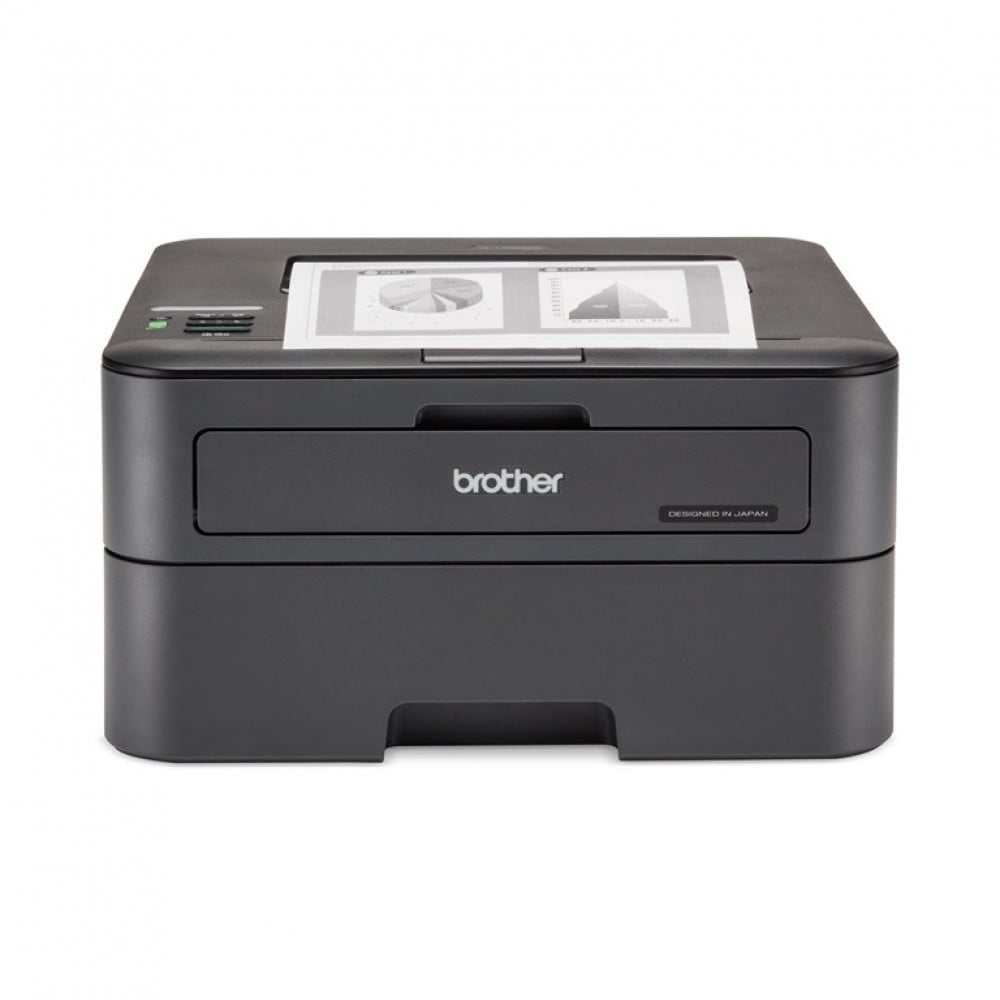
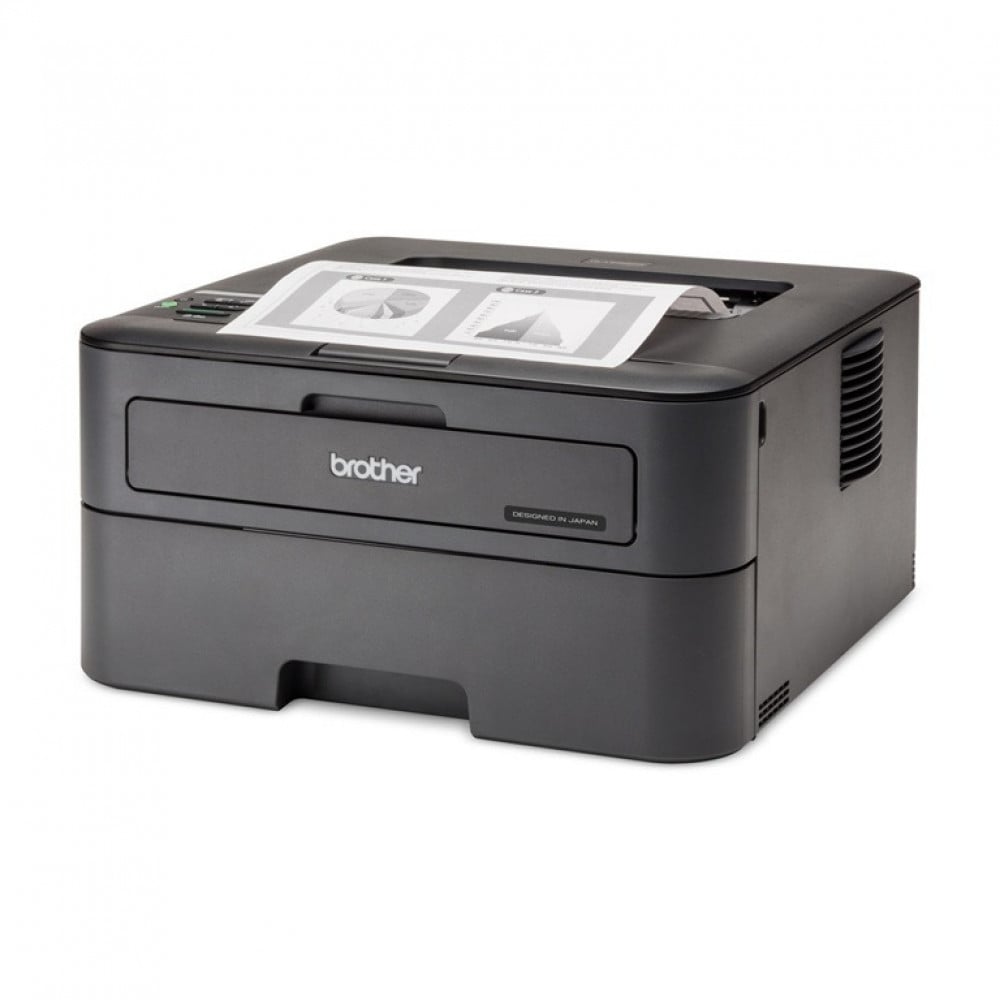
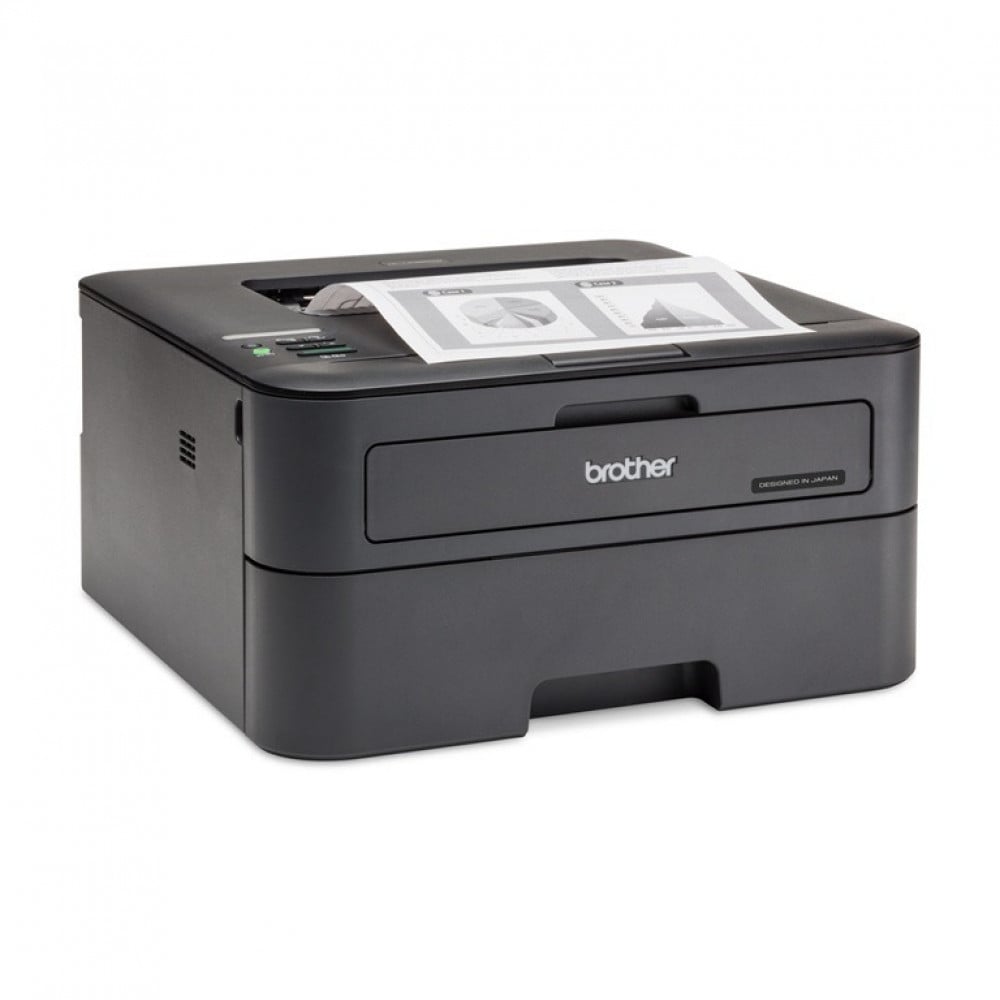

🚀 High-Speed Printing for Busy Offices : The Brother HL-L2365DW printer boasts a high print speed of up to 30 pages per minute at 2400 x 600 dpi , allowing you to complete your daily tasks in no time. Enjoy a first page out time of less than 8.5 seconds and leave the waiting behind.
🌐 Wireless connectivity and flexible ease of use
Say goodbye to cable restrictions with diverse connectivity options:
- Built-in Wi-Fi for printing from any angle
- Wi-Fi Direct for direct printing from smart devices
- Apple AirPrint® and Google Cloud Print™ support printing from your phone or tablet
- USB 2.0 and Ethernet for traditional high-speed connectivity
💡 Savings and efficiency at a lower cost
Brother's energy-saving technologies and automatic sleep mode reduce the electricity bill, while the TN-2305 cartridge ensures printing up to 1,200 pages and the TN-2355 up to 2,600 pages without frequent ink changes, bringing operating costs to a minimum.
⭐ Product Features
- Printer type: Monochrome laser (black and white)
- Functions: Print Only
- Automatic double-sided printing: Save paper at the touch of a button
- Printing speed: 30 pages/minute (A4)
- Print resolution: 2400×600 dpi (HQ1200)
- Paper capacity: 250-sheet tray + 100-sheet storage compartment
- Connectivity: Wi‑Fi, Wi‑Fi Direct, AirPrint®, Google Cloud Print™, USB 2.0, Ethernet
- Low power consumption: Smart sleep mode
- Ink cartridge: TN-2305 (1,200 pages) / TN-2355 (2,600 pages)
🤔 Why choose Brother HL-L2365DW?
- Professional performance: High speed and accuracy suitable for intensive work environments.
- Complete flexibility: Print from any device on the network or wirelessly with no hassle.
- Long-term savings: High-capacity cartridges and energy-saving technologies.
- Smart design: Compact size suitable for home offices and small spaces.
🛒 Take advantage of this opportunity and order now!
Put your office ahead with the Brother HL-L2365DW and enjoy unparalleled productivity and sustainable savings.
Click here to read your comprehensive guide to the right paper type for your printer.