
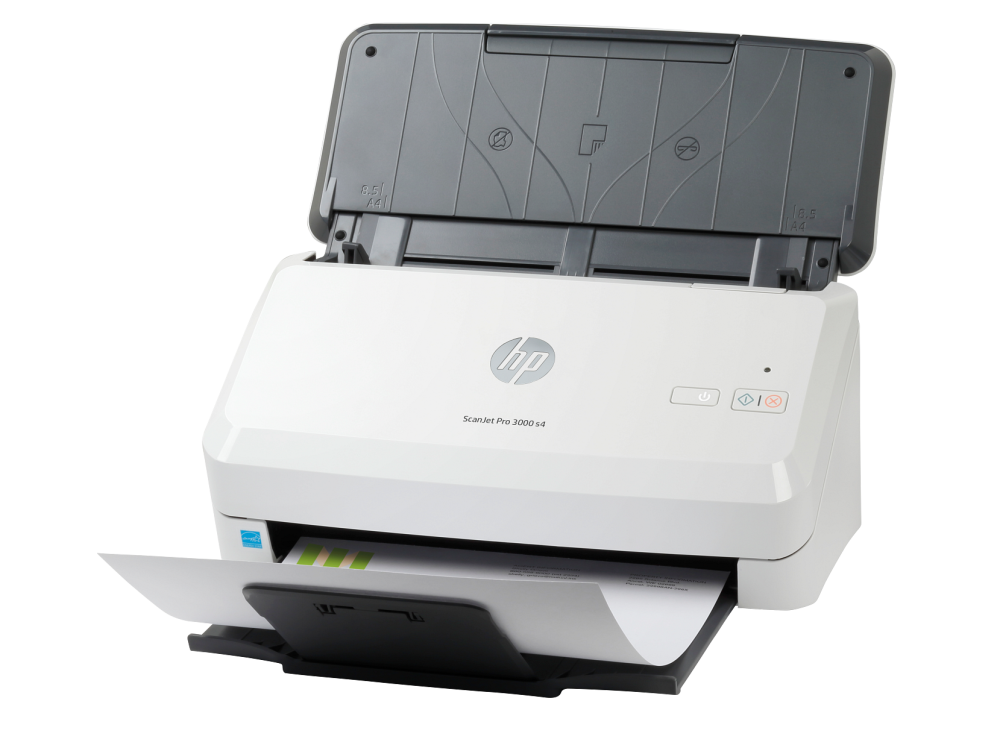
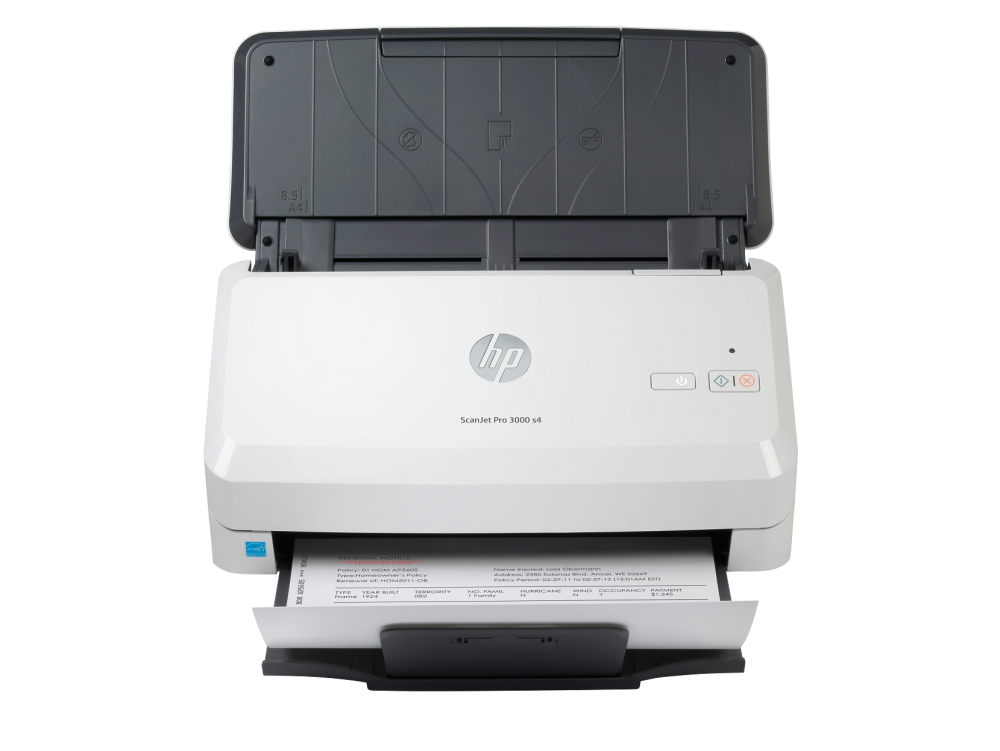
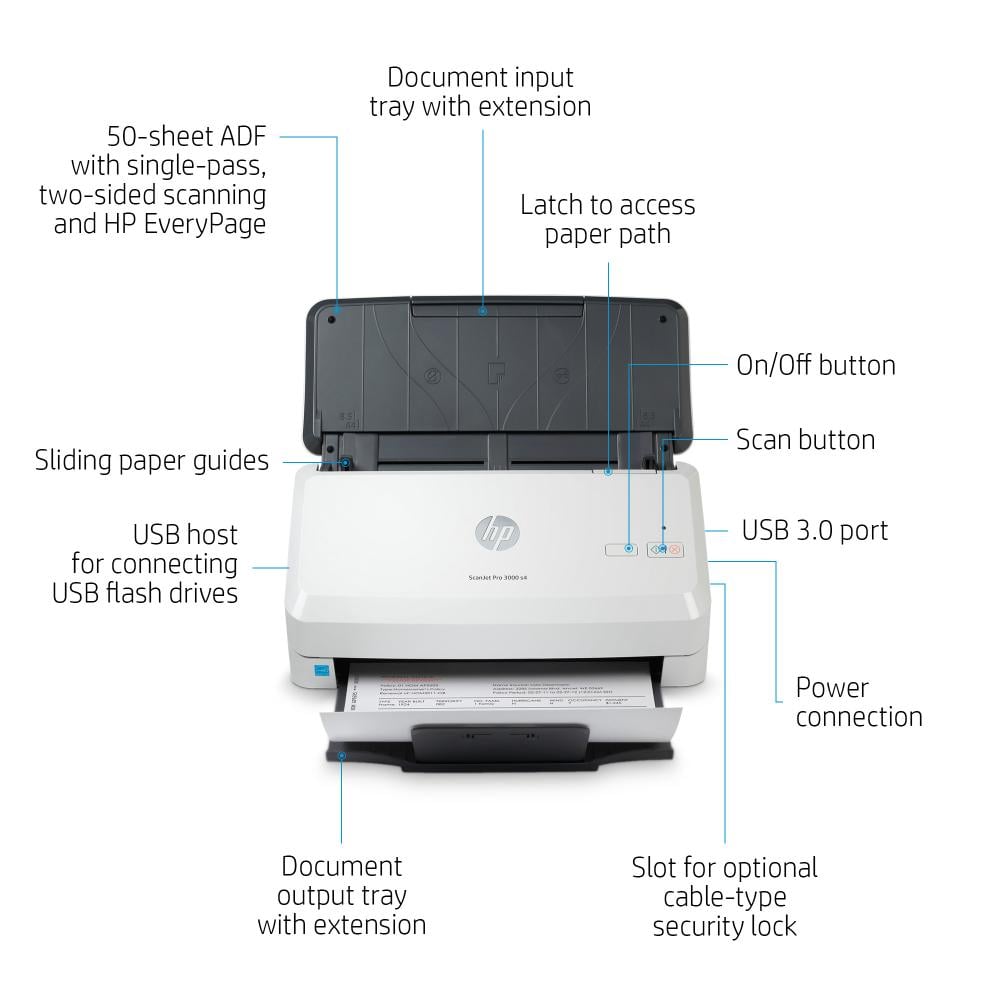
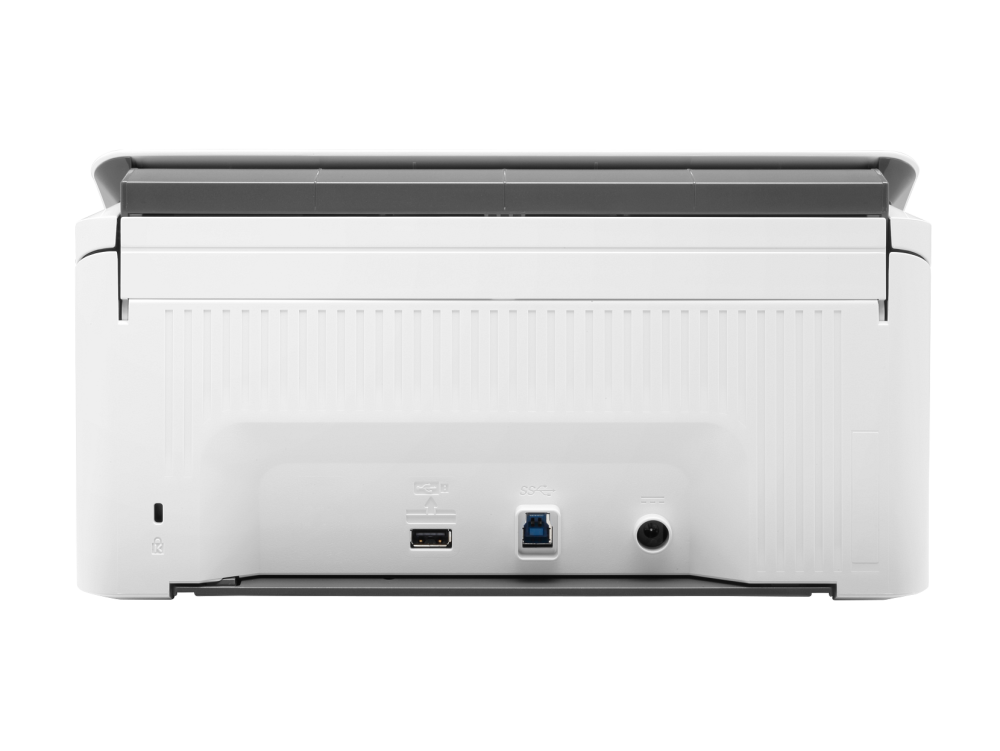

HP ScanJet Pro 3000 s4 Scanner — Fast and reliable duplex scanning for offices 🖨️⚡
Get professional scanning performance that speeds up document archiving and converts batches of paper into searchable digital files. The HP ScanJet Pro 3000 s4 is designed for small and medium-sized offices and service centers that need fast and efficient automatic duplex scanning, with support for OCR and searchable PDFs.
Performance and scanning speed — what sets it apart 🔥
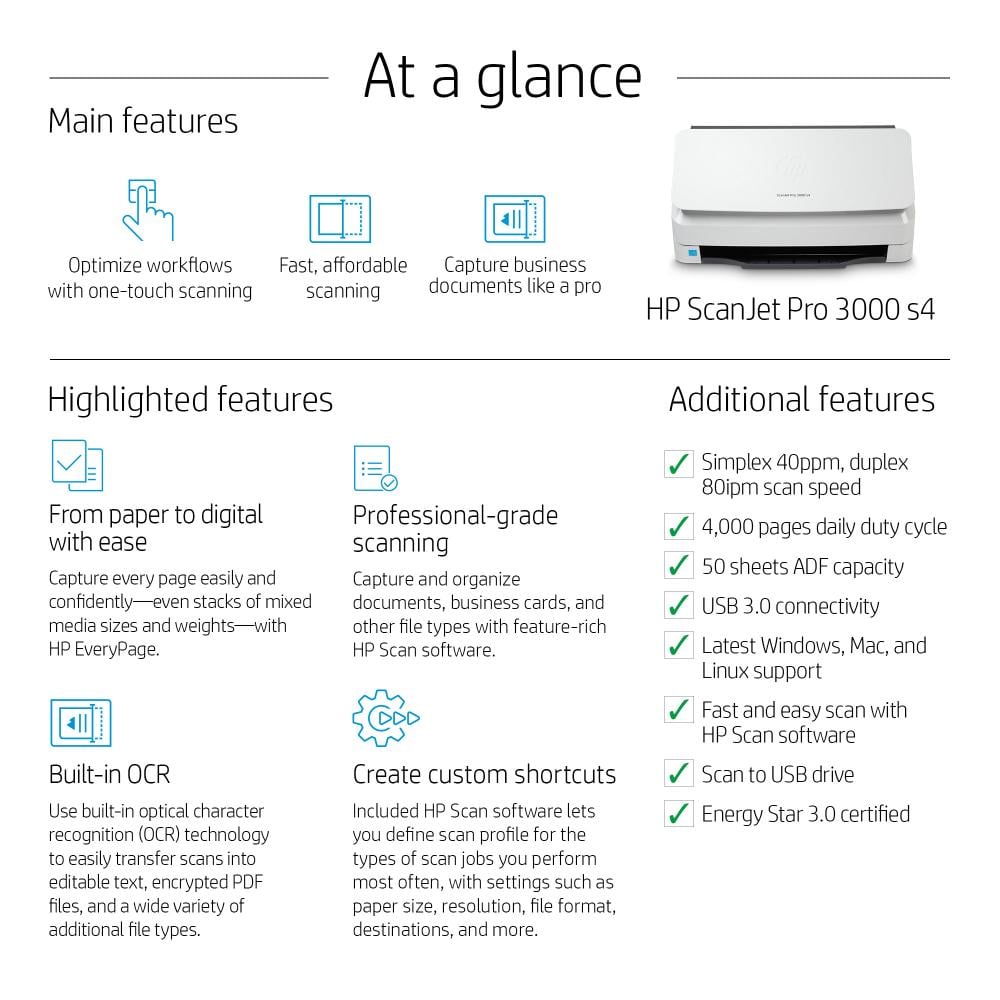
- Scanning speed: Up to 40 pages/minute (ppm) in single-sided scanning.
- Speed when scanning in a duplex: up to 80 images/minute (ipm) — scanning both sides in one pass reduces manual time.
- Clarity and precision: Optical resolution up to 600 x 600 dpi for clear text and optically readable images.
- ADF with a capacity of 50 sheets: Loading medium batches without the need for constant intervention.
Basic technical specifications 🔍
- Scanner type: Sheet-fed (paper scanning via feeder).
- Optical resolution: 600 x 600 dpi (Optical) .
- ADF capacity: 50 sheets .
- Speeds: 40 ppm / 80 ipm (duplex) .
- Output formats: PDF (searchable via OCR), JPEG, PNG, TIFF .
- Connection interface: USB 3.0 — Fast and stable direct connection.
- Software support: TWAIN/ISIS/WIA definitions, document conversion tools, and OCR for creating searchable files.
- Recommended daily endurance: A design that withstands high loads with reliable endurance for intensive work routines.
Practical and real features that improve workflow ⚙️
- Automatic double scanning speeds up the processing of double-sided documents.
- Instant conversion to searchable PDF thanks to the built-in OCR feature, making it easier to archive documents and search for text within files.
- Easy batch management with preset workflows: scan to file, scan to folder, scan to email or document management systems.
- Reliable operation and simplicity in routine maintenance to minimize downtime.
Ideal use cases 🎯
- Archiving invoices and financial records in accounting departments.
- Digitize contracts and legal documents and save them as searchable PDFs.
- Document and printing centers that require batch scanning at speed with acceptable quality.
- Human resources departments for archiving employee files and double-sided documents.
Tips for better results and long-lasting maintenance 🧰
- Use 300 dpi resolution when scanning text for faster processing and smaller file size with excellent OCR results.
- Clean the scanning glass and paper path periodically to avoid streaks and smudges on scanned images.
- Test your compression/formatting settings to find a balance between image quality and file size when archiving large amounts.
- Keep your device drivers and HP software up to date for ongoing compatibility and performance improvements.
Are you looking for a fast and efficient paper scanner to automate your document archiving? 🛒✨
The HP ScanJet Pro 3000 s4 offers an excellent combination of speed, duplex scanning and OCR support — add it now from Sea Waves to your office solutions and start copying your documents with professional efficiency!