

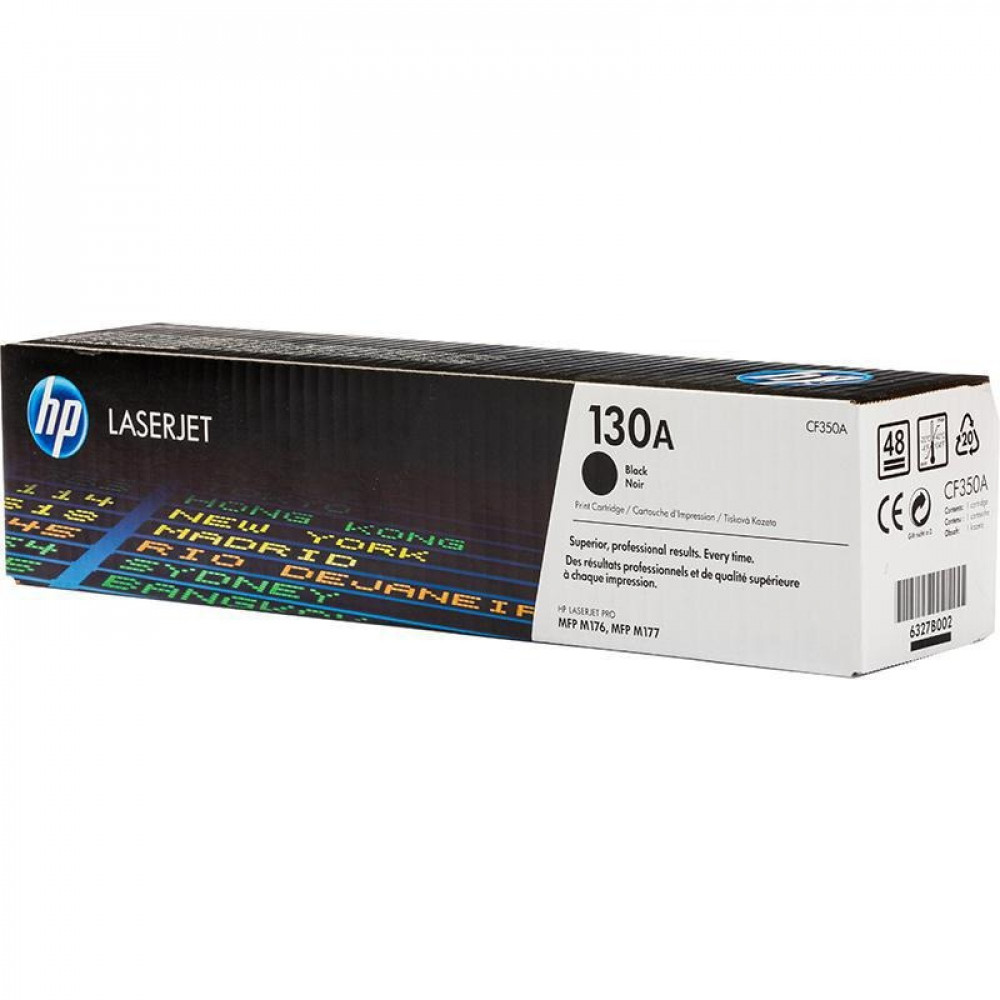
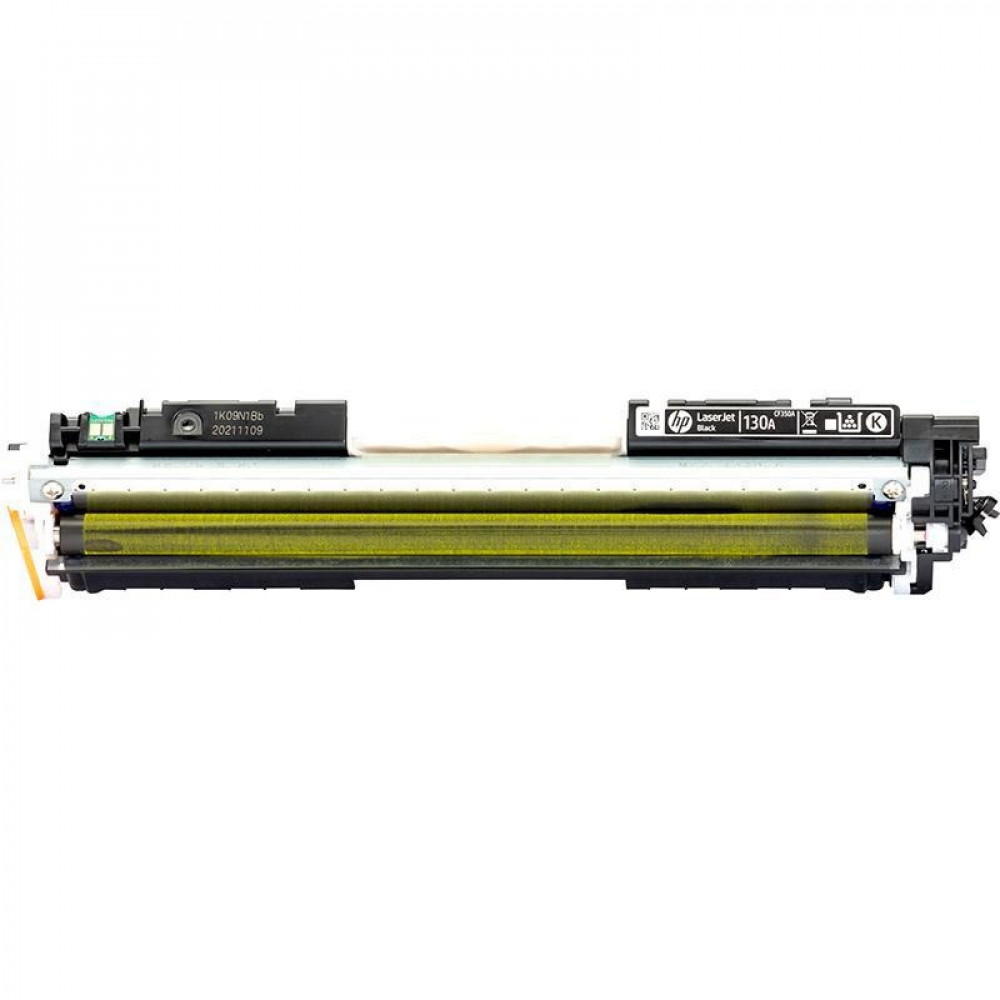

HP 130A/CF350A Black Laser Toner — Pure black and reliable yield of up to 1,300 pages 🖨️🖤
Get professional-quality printing with HP 130A (Code CF350A) Genuine Black Ink . Designed to deliver sharp text, crisp graphics, and consistent results, it's ideal for home offices, small businesses, and users who don't compromise on print quality.
A quick look — what makes the CF350A stand out? ✨
- An original HP product that ensures full compatibility with the printer and stable print quality.
- Deep black and clear text suitable for official documents and reports.
- Practical page yield of up to 1,300 pages at 5% coverage per page — real savings in operating costs.
- Easy and quick installation without complications.
Key features — Why choose it? ✅
- HP-standard quality : Consistent brightness and black throughout the cartridge's lifespan.
- High reliability : Reduces printer malfunctions and compatibility issues that arise with uncertified alternatives.
- Competitive page rate thanks to the advertised page yield (1,300 pages).
- Suitable for everyday use in small and medium-sized offices, schools, and professionals working from home.
Compatible printers with 130A ink 🔎
The HP 130A cartridge is compatible with the following HP Color LaserJet Pro and LaserJet 100/Pro series printers (always check the part number in the printer manual before purchasing):
- HP Color LaserJet Pro MFP M177fw
- HP Color LaserJet Pro MFP M176n
- HP LaserJet Pro CP1025
- HP LaserJet Pro CP1025nw
- HP Color LaserJet Pro M175a / M175nw
- HP Color LaserJet Pro M275 (some versions)
Laminar yield capacity and operational specifications 📊
- Declared page yield: Approximately 1,300 pages (5% coverage on ISO standard).
- Type: Black laser toner — Standard Capacity cartridge.
- Effective range of use: Suitable for everyday office printing and official documents.
- Note: Actual results may vary depending on printing settings, paper type and environmental conditions.
Cartridge installation — 3 simple steps 🔧
- Turn off the printer and unplug it from the power supply, then open the toner cartridge cover.
- Carefully pull out the empty cartridge and remove the new cartridge from its packaging and remove the protective bands.
- Insert the CF350A cartridge until it is securely in place, close the cover and restart the printer, then print a test page to check the print quality.
Tips for maintaining better performance 🧰
- Store the cartridge in a dry, cool place away from sunlight.
- Do not touch the metal parts or the drum inside the cartridge to avoid stains.
- Use print settings appropriate for the type of document to conserve ink when maximum quality is not required.
- If there are lines or unevenness in blackness, perform a printhead cleaning or calibration cycle from the printer maintenance menu.
Why choose an original HP cartridge? 💡
- Printer protection: Original inks are designed to work in harmony with HP devices, reducing the risk of malfunctions and extending the life of internal components.
- Color and quality stability: Consistent results across print batches — important for contracts and official documents.
- Support and guaranteed quality: Guaranteeing the quality of materials and minimizing errors that cost time and money.
- Choosing a reliable alternative such as AWD inks To ensure proper compatibility with the printer and high quality while guaranteeing the safety of the printer with the use of ink.
Enjoy professional prints 🛒✨
Get your HP 130A (CF350A) black ink cartridge now for crisp text and cost-effective operation. Add it to your cart at Amwaj Al Bahr and print with confidence from the first page!