
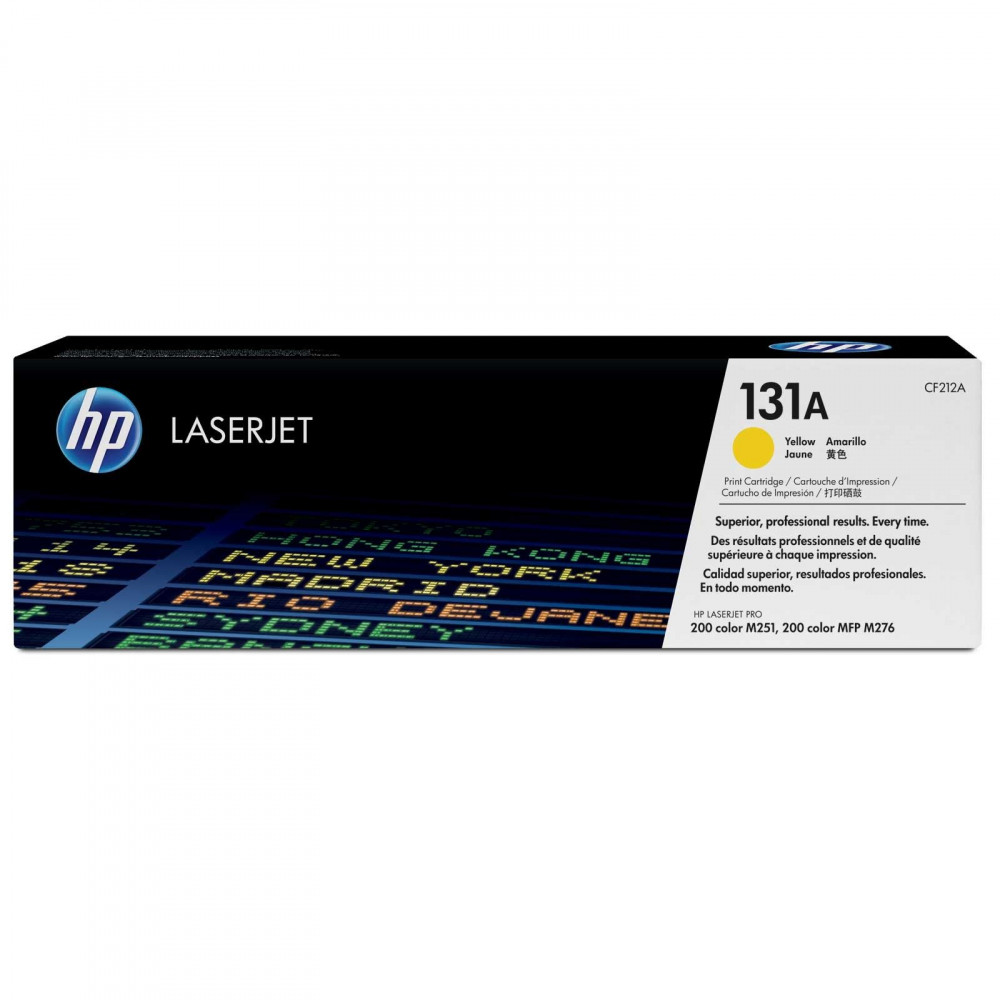

HP CF212A 131A Genuine Laser Toner Cartridge (Yellow) — Reliable Original Quality 🖨️
Get professional-quality printing and crisp results with HP 131A (CF212A) toner — an original cartridge designed for HP LaserJet Pro 200 Series Color printers to deliver sharp text, balanced grayscale, and excellent page yield for small offices and home use. 🚀
Why choose this ink? ✨
- Type: Original HP laser toner (yellow).
- Product code: HP 131A / CF212A.
- Reported page yield: Approximately 1,520 pages at 5% coverage (approximate value from HP).
- Suitable for everyday printing, official documents and reports with a professional look.
Compatible printers: HP 131A ink cartridge ✅
The HP 131A (CF210A) cartridge is designed to work efficiently with HP LaserJet Pro 200 Color series printers and their popular model range, including:
- HP LaserJet Pro 200 color M251
- HP LaserJet Pro 200 color M251n
- HP LaserJet Pro 200 color M251nw
- HP LaserJet Pro 200 color MFP M276n
- HP LaserJet Pro 200 color MFP M276nw
Important note: Some sub-versions may be displayed with suffixes (such as n or nw). Ensure that the part number CF210A/131A matches the one in your printer's specifications before purchasing to guarantee full compatibility.
Features of the original HP 131A cartridge ✅
- Sharp text adds a professional touch to your documents.
- Excellent page yield (~1520 pages) reduces purchase frequency and lowers the cost of running per page.
- Consistent performance and printer protection when using a genuine HP product.
- Quick and easy installation without tools — suitable for any user.
- Consistent results across print batches to avoid variations in color or density.
Quick installation method — 3 steps 🔧
- Turn off the printer and disconnect it from the electricity, then open the cartridge cover.
- Carefully remove the empty cartridge and take the new CF210A (HP 131A) cartridge out of the packaging.
- Insert the new cartridge until it is secure, close the cover, and restart the printer — print a test page to check the quality. ✅
Tips for maintaining sustainable performance 🧰
- Store the cartridge in its packaging in a dry place and away from direct heat.
- Avoid touching the drum or sensitive parts to avoid stains.
- Use the appropriate print settings for the type of paper to improve the quality of the text and inks.
- If there are lines or unevenness in the blackness, perform a cleaning or calibration cycle from the maintenance menu.
Upgrade your prints now 🛒✨
Order genuine HP 131A (CF210A) ink cartridges from Amwaj Al Bahr store and get crisp, vibrant prints and reliable page yield. Add the product to your cart today and enjoy professional printing from the first page! 🔥