
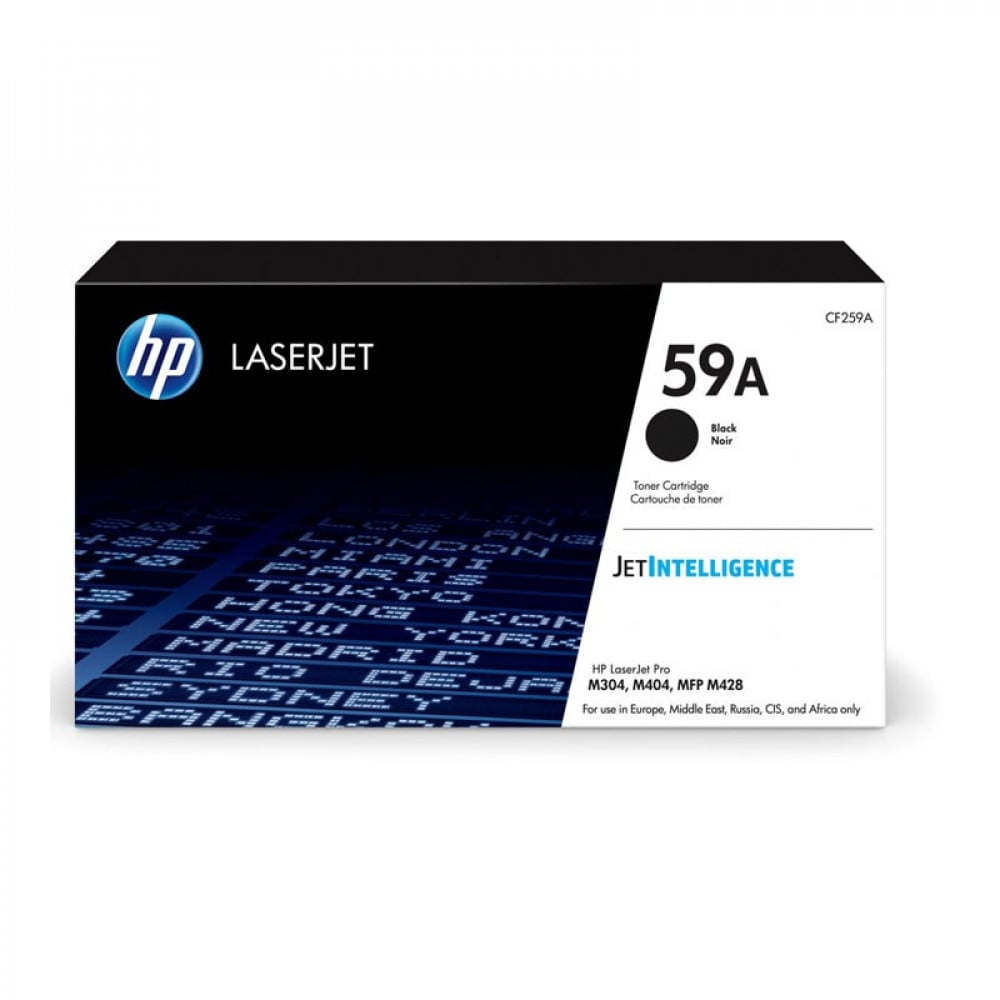
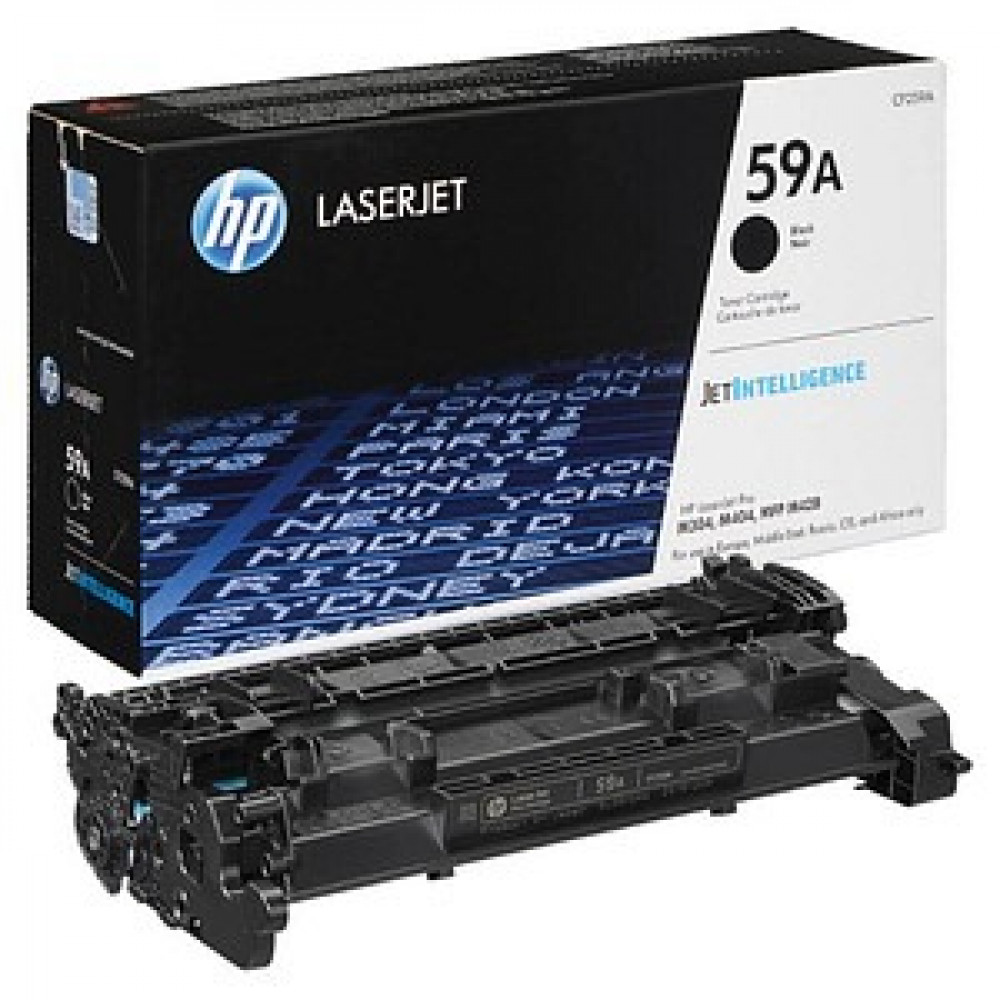
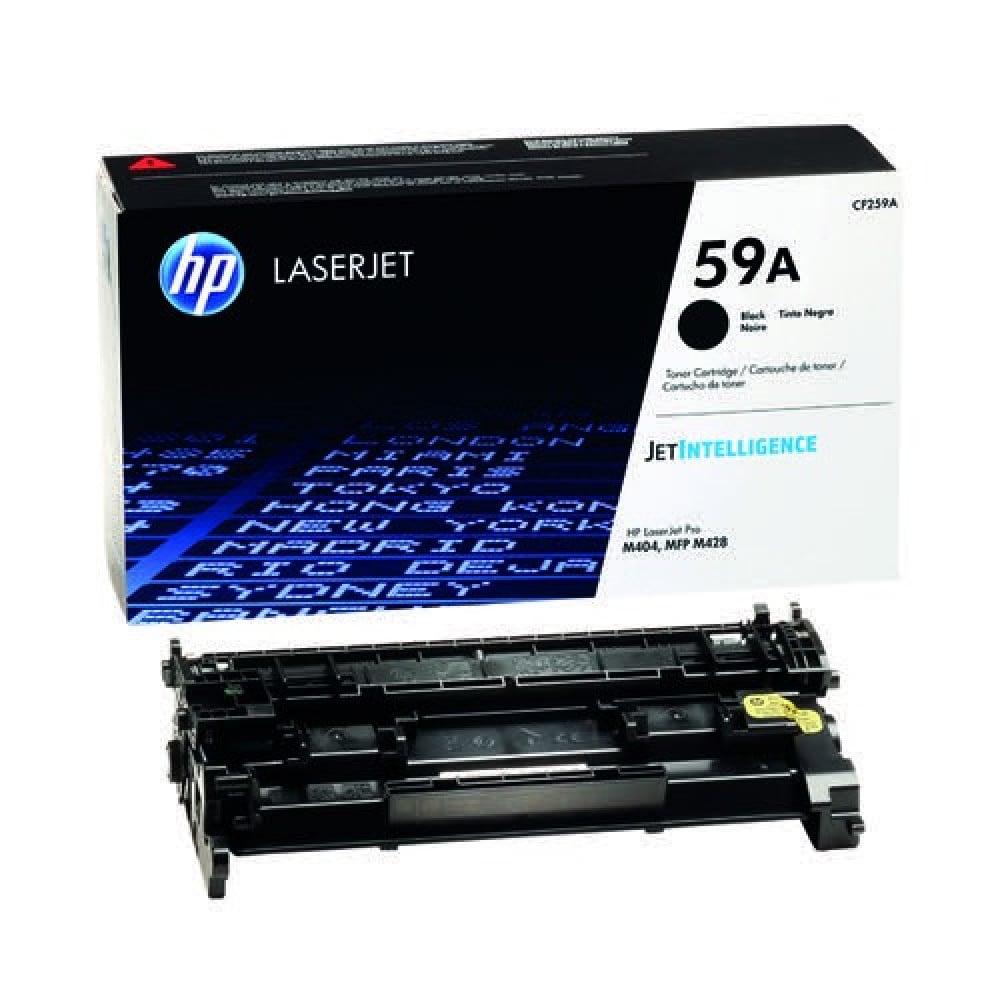

HP 59A (CF259A) Black Laser Toner Cartridge — Genuine toner with office-quality printing 🖨️🖤
Get professional-quality printing and crisp documents with the genuine HP 59A (CF259A) toner cartridge . Designed for small and medium-sized businesses and heavy daily printing, this cartridge delivers consistent printing, sharp text, and printer performance protection.
⚙️ Quick overview and key specifications
- Model: HP 59A — CF259A .
- Color: Black (Black Toner).
- Approximate page yield: Up to ~3,000 pages based on 5% coverage as per HP specifications (approximate value may vary depending on document type and print settings).
- Type: Genuine HP toner cartridge for performance and protection.
✅ Printers compatible with 59A ink
The HP 59A/CF259A cartridge works efficiently with many of the following HP LaserJet Pro/Enterprise/MFP series printers:
- HP LaserJet Pro M404 / M404n / M404dn / M404dw
- HP LaserJet Pro M405 / M405n / M405dn / M405dw
- HP LaserJet Pro M406dn
- HP LaserJet Pro M304 / M304a
- HP LaserJet Pro MFP M428 / M428dw / M428fdn / M428fdw
- HP LaserJet Pro M429 (some versions)
- HP LaserJet Enterprise M406dn
- HP LaserJet Enterprise M430f
✨ Why choose the original HP 59A cartridge?
- Deep black and sharp text suitable for official documents and reports.
- High page yield reduces redundancy and lowers the cost of running per page.
- Printer protection: An original cartridge protects the printer's components and reduces the risk of malfunctions.
- Consistent and fast results suitable for office work environments and heavy printing.
🔧 3 quick steps to install the cartridge
- Turn off the printer and disconnect the power supply, then open the cartridge access cover.
- Gently pull out the empty cartridge, remove the new CF259A cartridge from the packaging and remove any protective tapes.
- Insert the new cartridge until it is secure, close the cover, turn on the printer, and then print a test page to check the blackness. ✅
🧰 Tips for maintaining peak performance
- Keep the cartridge in its packaging and in a dry place away from heat and light.
- Use the appropriate print settings for the type of paper to get the best results.
- When changing the cartridge, avoid touching the drum or ink parts to avoid stains or damage.
🛒Do you want professional and hassle-free printing?
Add genuine HP 59A (CF259A) ink cartridges from Amwaj Al Bahr to your cart now — get deep blacks and quality for your everyday work. Order now and enjoy reliable printing from the first page! 🔥
Click here to visit the page for the alternative to the original 59A ink.