
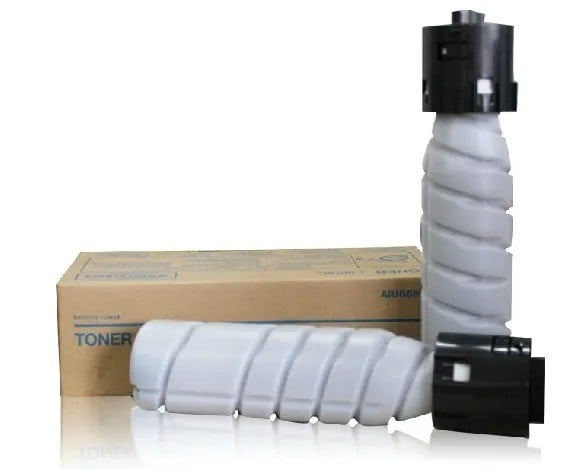
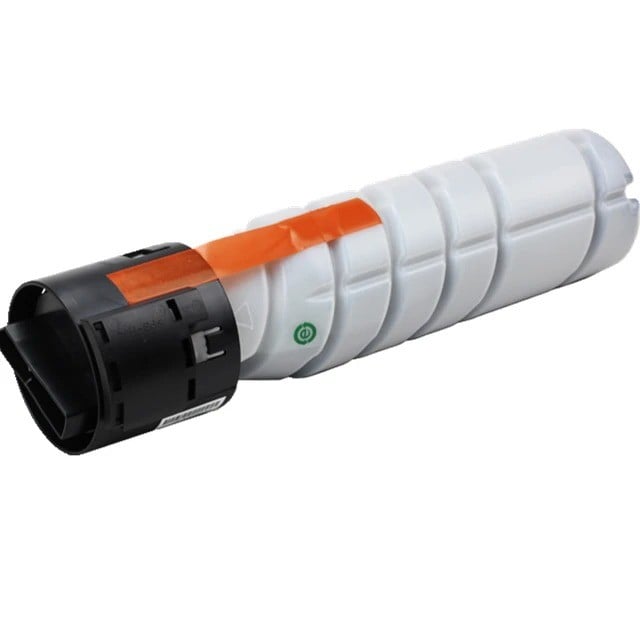
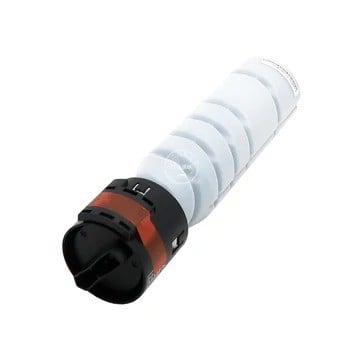
Genuine gold-plated TN-116/TN-118 copier ink — Luxurious touches and distinctive printing ✨🖨️
Are you looking for a gold toner for copiers that gives your documents a luxurious touch and an eye-catching, professional look? TN-116/TN-118 Gold Toner is an excellent choice for special printing (certificates, invitations, envelopes, marketing materials) when you want brilliant contrast and unconventional colors.
What makes TN-116 / TN-118 ink so special? 🌟
- A shiny gold color gives a sophisticated look to cards, certificates, and promotional materials.
- Toner formulation designed for laser printing/copiers with good stability on specialty paper and coated paper.
- Clear results with a balanced sheen that does not obscure the fine details in the text and drawing.
- Suitable for use when you want to highlight specific design elements without the need for expensive special printing.
Approximate page yield 🔢
- The actual yield depends largely on the type of machine, quality settings, and coverage ratio.
- As a general approximate estimate: from 3,000 to 12,000 pages depending on usage and coverage ratio according to company specifications.
- Tip: Use economy print settings for drafts and set the aesthetic gold setting for final copies to save ink.
Compatible printers and copiers ✅
The Bizhub TN-116/TN-118 toner cartridge is perfectly compatible with the following Konica Minolta copier models:
- Konica Minolta Bizhub 164
- Konica Minolta Bizhub 165/165e
- Konica Minolta Bizhub 184
- Konica Minolta Bizhub 185/185e
- Konica Minolta Bizhub 195
- Konica Minolta Bizhub 215
- Konica Minolta Bizhub 235
- Before purchasing: Check your device's manual or the cartridge label to ensure compatibility. Compatibility varies between makes and models.
How to replace the cartridge in simple steps 🛠️
- Stop the machine and disconnect the power supply (for safety).
- Open the cartridge compartment and gently pull out the old cartridge.
- Remove the protective packaging from the TN-116/118 gold cartridge and perform any required preparation steps (shake gently if requested).
- Insert the new cartridge until it is secure in place, then close the chamber and restart the device.
- Print a test page to check the color and gloss, and describe the settings if necessary.
Tips for getting the best results 🎯
- Use paper of suitable quality — glossy or coated paper gives a better result for the gold color.
- Do not mix inks or colors from different brands within the system to avoid compatibility issues.
- Store the cartridge in a cool, dry place away from sunlight.
- Print a color balance test before printing large batches to adjust the settings as desired.
Give your prints a professional shine 🛒✨
Add your personal touch to certificates, brochures, and invitations— order TN-116/118 Gold Ink now from Sea Waves and get vibrant results and exceptional print quality. Order today and start making a lasting impression!
Click here to visit the camera toner section
Click here for your comprehensive guide to the best types of paper for printing.