
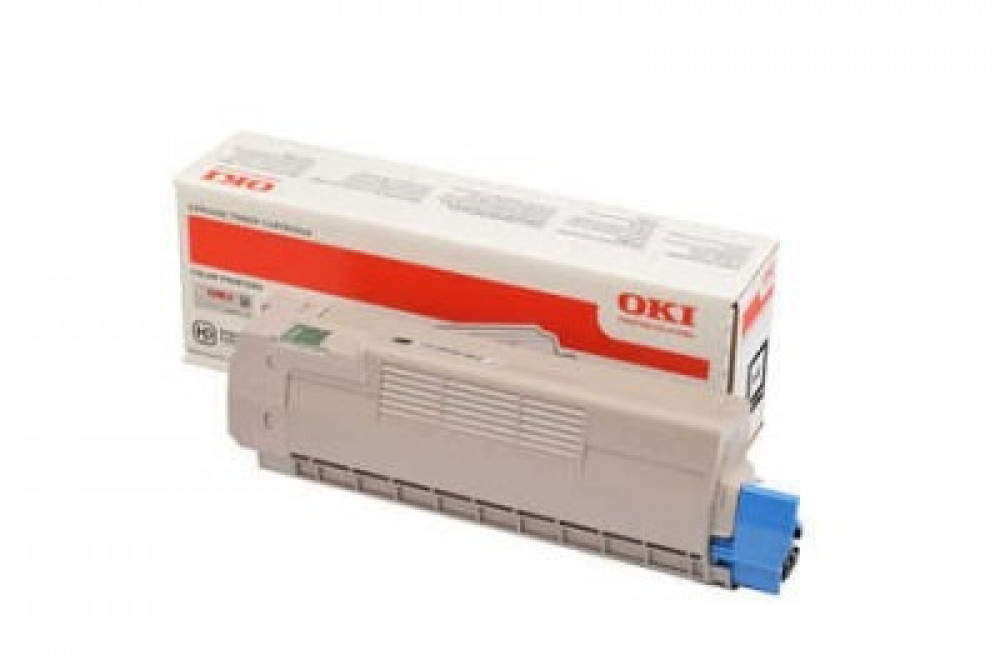
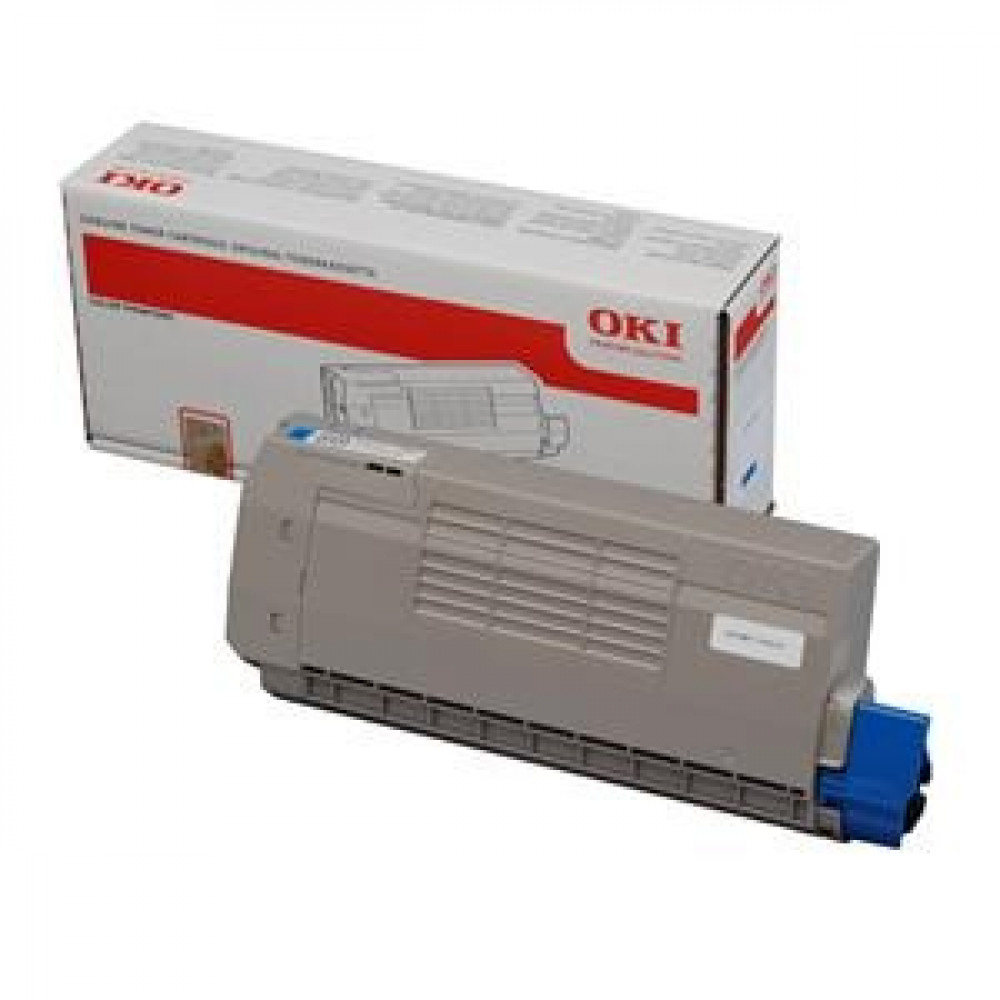

OKI C612 Ink Cartridge — Red (Magenta) 🔴🖨️
Get vibrant magenta colors and professional print results with the OKI red ink cartridge designed for C612 series printers. A reliable color printing solution for offices that helps you produce brochures, presentations and marketing materials with clear quality and excellent color fastness.
Quick Facts — Why choose the OKI red cartridge? ⭐
- Pure magenta colors and subtle gradients bring out images and graphics.
- Consistent print quality throughout the cartridge's lifespan for professional results.
- High page yield reduces operating costs and the need for frequent replacement.
- Easy and safe installation with minimal downtime.
- A compatible design that keeps the printer safe and reduces the likelihood of malfunctions.
Number of pages produced (approximate) 📊
- Approximate yield: Up to 3000 pages at a standard coverage of 5% per page.
Note: The number is approximate and may vary in practice depending on the printing settings, paper type and actual coverage ratio on the page.
Printers compatible with OKI C612 cartridge 🔎
This red ink cartridge works with the following OKI C612 family versions:
- OKI C612 (Standard Version)
- OKI C612n (Ethernet version)
- OKI C612dn (Networked version with enhanced features)
- OKI C612nw / C612dnw (versions that support wireless connectivity in some markets)
Important tip: Before purchasing, make sure you have the recommended part number for your printer, which is found in the user manual or on the cartridge label inside the device, to ensure full compatibility.
Installing the cartridge in simple steps 🛠️
- Turn off the printer and disconnect it from the power supply for protection.
- Open the cartridge compartment cover and gently pull out the old cartridge.
- Remove the packaging from the new cartridge and insert it until it is secure in place.
- Close the cover, restart the printer, and then print a test page to check the color balance and print quality.
Maintenance and tips for optimal performance 💡
- Store the cartridges in a cool, dry place away from sunlight.
- Print a periodic calibration page to maintain color balance, especially in intensive color printing.
- Avoid touching the cylinder or sensitive parts inside the cartridge to avoid stains.
- Use Economy settings for informal texts to save ink, and use High Quality settings for presentations and final materials.
- Replace the image drum and fuser units according to the recommended maintenance schedule to maintain print quality.
Common problems and quick solutions 🧰
- If lines or color variations appear: Perform a cleaning and calibration cycle from the maintenance menu.
- Cartridge compatibility or non-recognition message: Check the part number and make sure it is designed for your printer model.
- Reduced actual yield: Check the print settings and the type of paper used.
Print vibrant colors 🛒✨
Add the OKI Magenta cartridge to your shopping cart at Sea Waves and enjoy vibrant red colors, high page yield, and professional print quality. Order now and start producing prints that stand out from the crowd!
Click here to visit the printers section
Click here to visit our blog page for solutions to printing problems.