
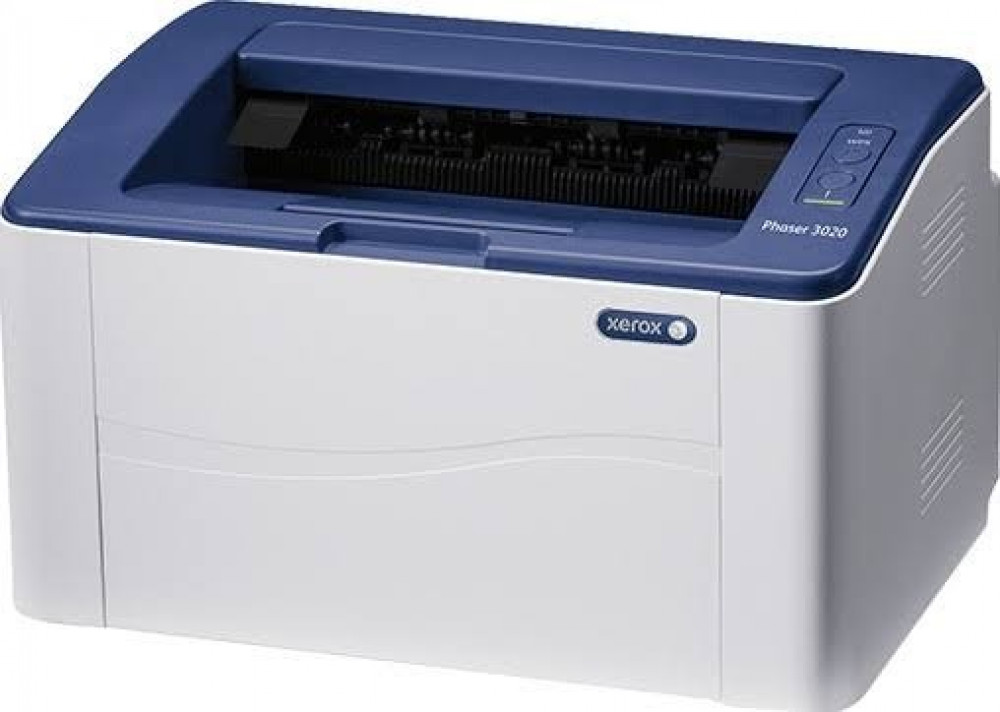
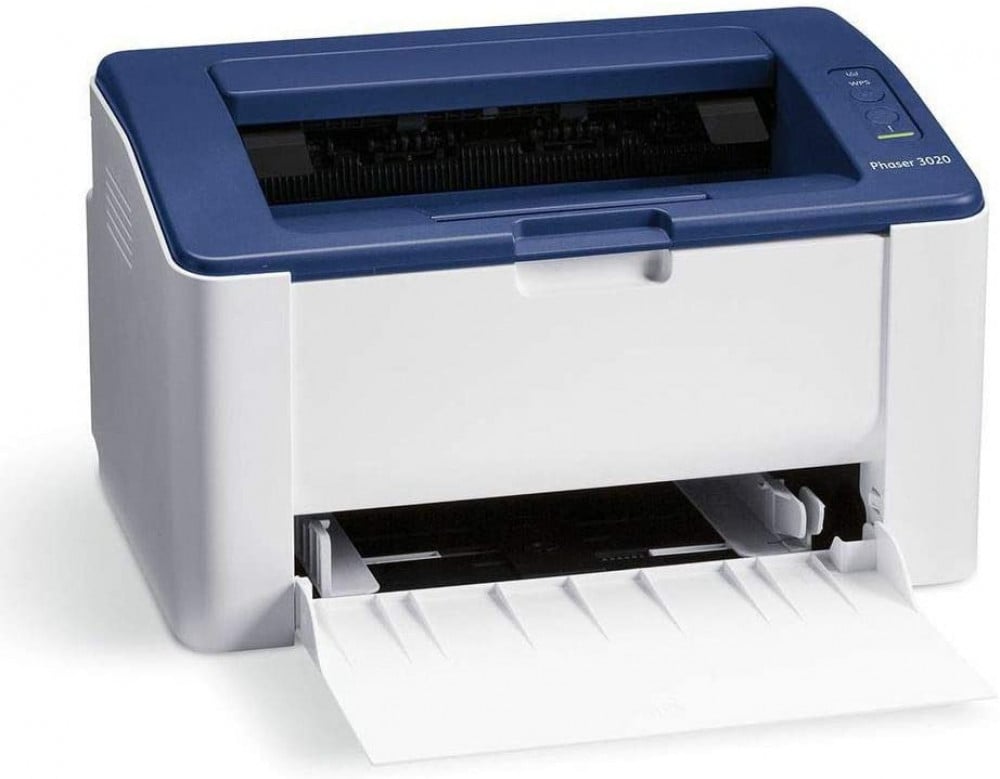
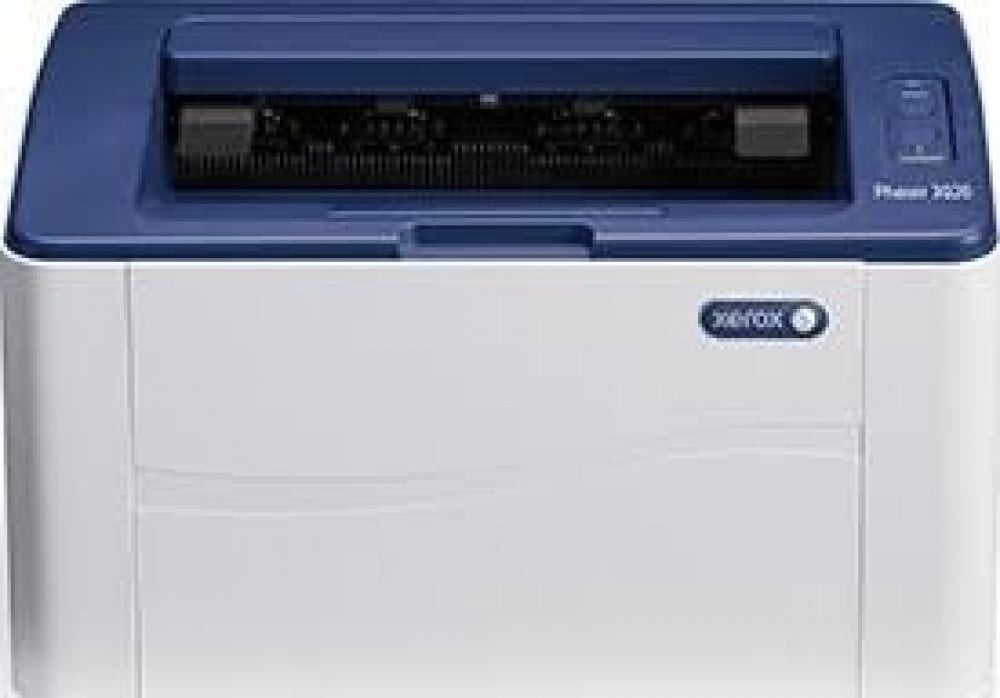
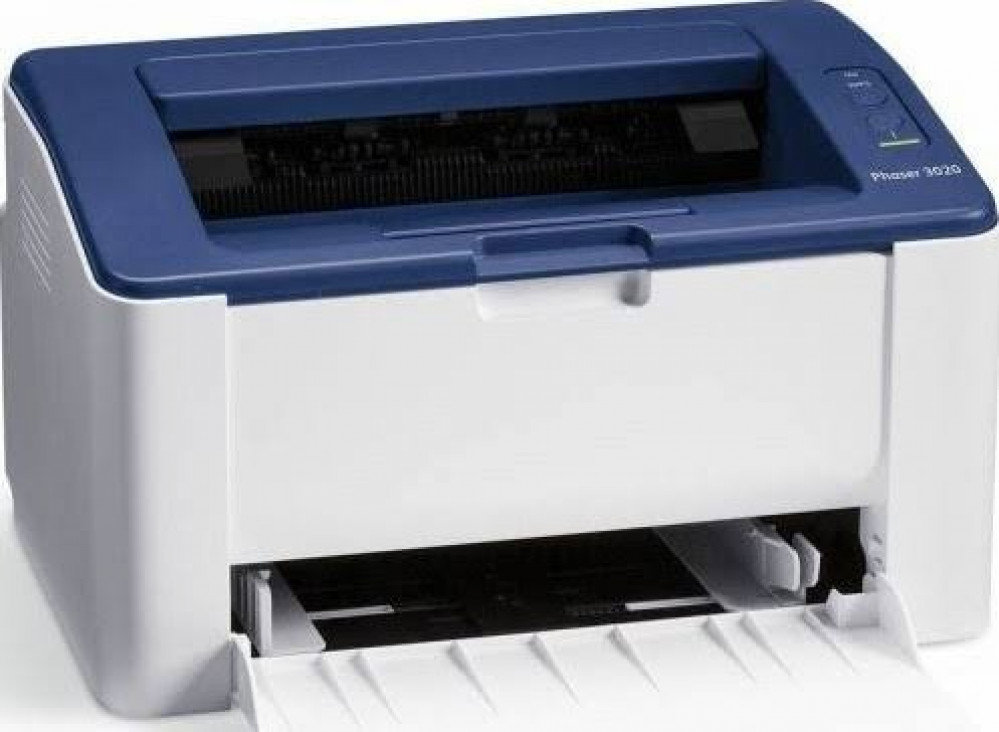

Xerox Phaser 3020Bi Monochrome Laser Printer — Compact and powerful 🔥🖨️
The Xerox Phaser 3020Bi printer is an ideal solution for homes and small offices that want a fast, reliable monochrome laser printer with wireless connectivity. If you're looking for a "Wi-Fi monochrome printer" or a "small office laser printer," this printer combines good speed with a compact size that fits in small spaces.
Why choose the Phaser 3020Bi? — Strengths explained quickly and simply ⚡️
- Print speeds of up to 20–21 pages/minute for fast and efficient document batch delivery.
- Built-in Wi-Fi (802.11 b/g/n) and USB connection for easy printing from a computer or mobile devices.
- Print resolution of 600 x 600 dpi with enhancement up to 1200 x 1200 for crisp text results.
Quick specifications (suitable for product description in the store) 📌
- Processor: 600 MHz .
- Memory: 128 MB built-in.
- Compact dimensions: 331 x 215 x 188 mm and a light weight of 4.1 kg for easy placement on a desk.
- First page output time: approximately 8.5 seconds .
Toner cartridges and economical operation 💼
The printer's official cartridge is 106R02773 and provides a yield of up to 1,500 standard pages (ISO/IEC 19752). A dual-pack option with a combined yield of approximately 3,000 pages is also available for those looking to reduce operating costs. Always ensure you purchase genuine cartridges or reliable replacements to maintain print quality.
Compatibility and software (drivers and support) 🛠️
Printer drivers and configuration tools can be downloaded from the official Xerox website — the Windows driver package includes Easy Print Manager and Easy Wireless Setup tools for simplified wireless setup. It is always recommended to install the correct driver for stable performance.
Who is this device suitable for? 👥
- Home users who need to print clear and fast text.
- Small offices or home office workers looking for a compact device with Wi-Fi connectivity.
- Students or small businesses that print documents and research in moderate quantities.
3 quick steps to get started (buyer help) 🚀
- Unpack and plug the printer into the power supply.
- Use the Easy Wireless Setup app or a USB cable to connect to the peripherals.
- Install the printer driver and print a test page to ensure connectivity and print quality. ✅
Maintenance tips for better results 🧰
- Use genuine cartridges or reliable replacements to maintain the device's components and print quality.
- Keep the printer in a dry place, away from dust and moisture.
- Perform a simple test and calibration page after replacing the cartridge.
Order now! 🔥🛒
If you want a reliable, compact printer for everyday work, the Xerox Phaser 3020Bi is a smart and cost-effective choice — add it to your cart now at Amwaj Al Bahr store, order now, and enjoy fast, clear printing! ✨