


How to get consistently vibrant color prints? Simple steps to ensure the best quality for every printer:
Faded print is one of the most common problems faced by home and office users. The good news is that it often has easily diagnosable and fixable causes—most of which don't require buying a new printer. Here's a quick guide with quick checks and practical solutions for both inkjet and laser printers.
How does printing work?
Monitors use RGB (light) and appear brighter; printers use CMYK (ink/toner) on paper, which absorbs or fixes the color—so some variation is normal. But excessive fading is a fixable problem.
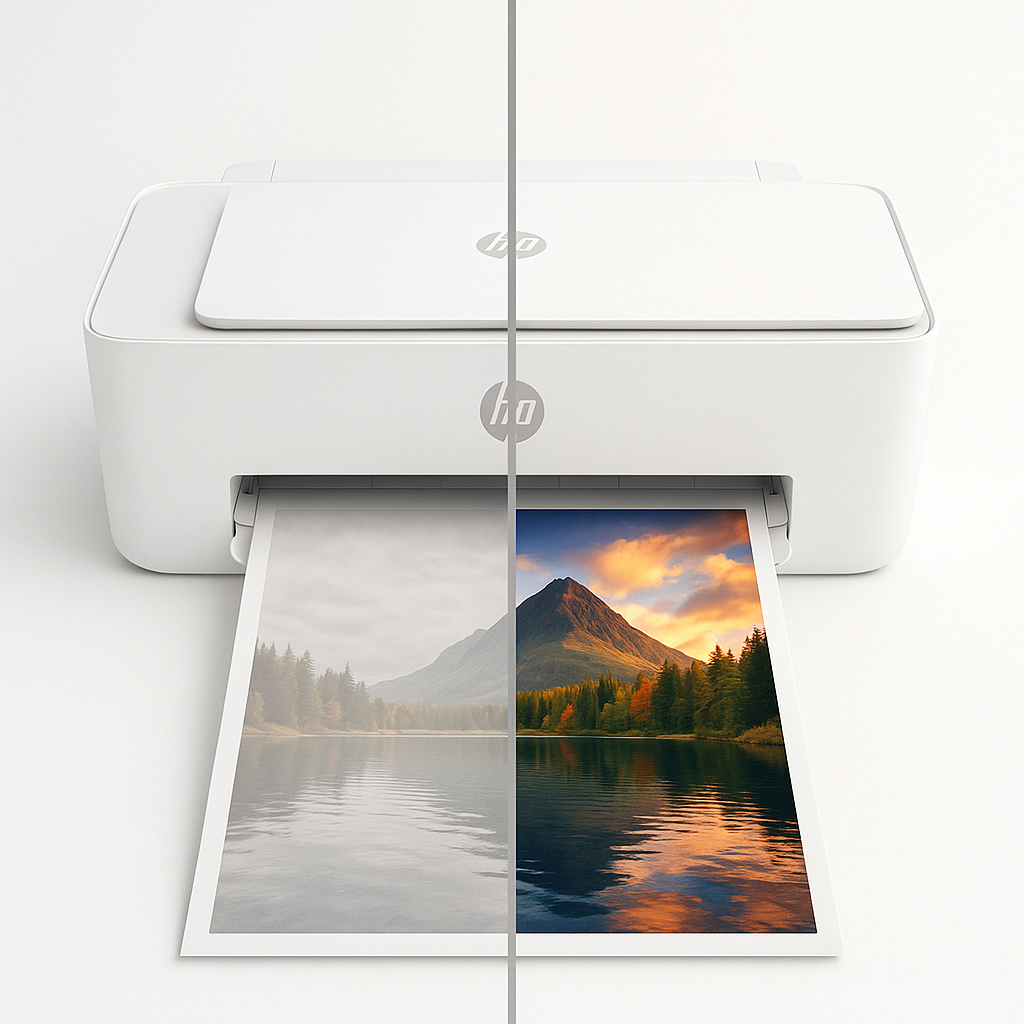
Inkjet printers — Main causes and solutions:
- Low ink level
- Solution: Check the cartridge levels using the printer software and replace any low cartridges. Print a test page.
- Printhead blockage
- Solution: Run a printhead cleaning cycle from the printer settings (repeat up to 3 times). If the problem persists, use a manufactured cleaning solution or carefully clean the nozzles with isopropyl alcohol according to the manufacturer's instructions.
- Choosing unsuitable or cheap paper
- Solution: Use photo paper (glossy) or high-weight paper (180–240 GSM) and select the correct paper type in the print settings.
- Low quality settings (Draft/Eco)
- Solution: Select the “High Quality” or “Photo” setting and disable the ink-saving modes (Eco/Draft). You can slightly increase the saturation before printing if necessary.
- Non-original or low-quality cartridges
- Solution: Use original cartridges or high-quality alternatives from trusted brands.
Laser printers — main causes and solutions
- Low or poor distribution of toner powder
- Solution: Remove the toner cartridge and shake it gently to distribute the powder, then print a test. Replace it if the situation does not improve.
- Cheap or unsuitable toner
- Solution: Use an original toner or a reliable alternative such as our AWD toners to increase color intensity.
- Problem with the fuser
- Solution: If the printouts appear faded, the toner may not be loading correctly. Check for service error messages and consider servicing/replacing the toner.
- Damage or wear of the drum unit
- Solution: Clean the drum or replace it according to the manufacturer's recommendations.
- Unsuitable paper or moisture
- Solution: Use paper suitable for laser printing and store the paper in a dry place.
Quick checklist (five minutes)
- Print a test page from the printer.
- Make sure the ink/toner levels and cartridge settings are correct.
- Check the paper type and print quality settings in the driver software.
- Perform printhead cleaning (Inkjet) or shake/replace the toner (Laser).
- If the problem persists, check the fuse or drum, or contact the maintenance service.
Quick sequence for printing photos (for best results)
- Use a high-quality image file (300 DPI).
- Select photo paper + Photo/High Quality settings in the driver.
- Check the ink levels and the cleanliness of the printheads.
- For laser printing, use suitable paper and you may need further processing or use professional printing services to get the best results for your photographs.
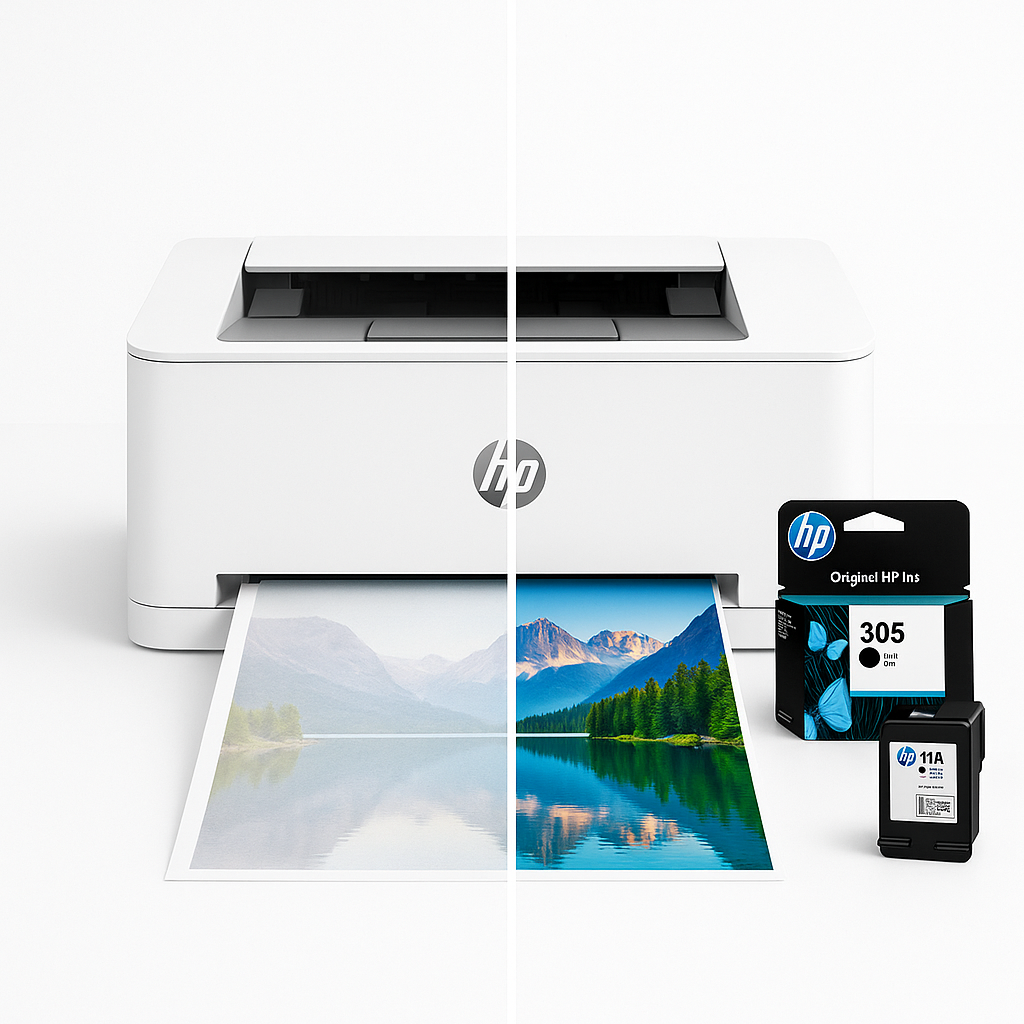
Frequently Asked Questions
Q: Why do images always look weaker on paper compared to on a screen?
A: Monitors that use RGB lighting and a well-calibrated monitor may display more saturated colors; use color-managed files or CMYK/ICC conversion files for better matching.
Q: Can cleaning the print head damage the printer?
A: Integrated cleaning is safe. Manual cleaning should be done according to the company's instructions to avoid damaging the nozzles.
Q: When do I need a maintenance technician?
A: If the fuser or drum problems persist after replacing consumables and running cleaning cycles, professional maintenance is likely required.
In conclusion:
Follow the steps above, and you'll be able to restore the vibrant and clear colors of your prints without needing any technical expertise. To help you achieve the best results quickly, visit our store, Sea Waves, where you'll find genuine inks, high-quality toner, and professional-grade printing paper—buy now and print vibrant colors!
Click here to visit the original inks section
Click here to visit the printers section