
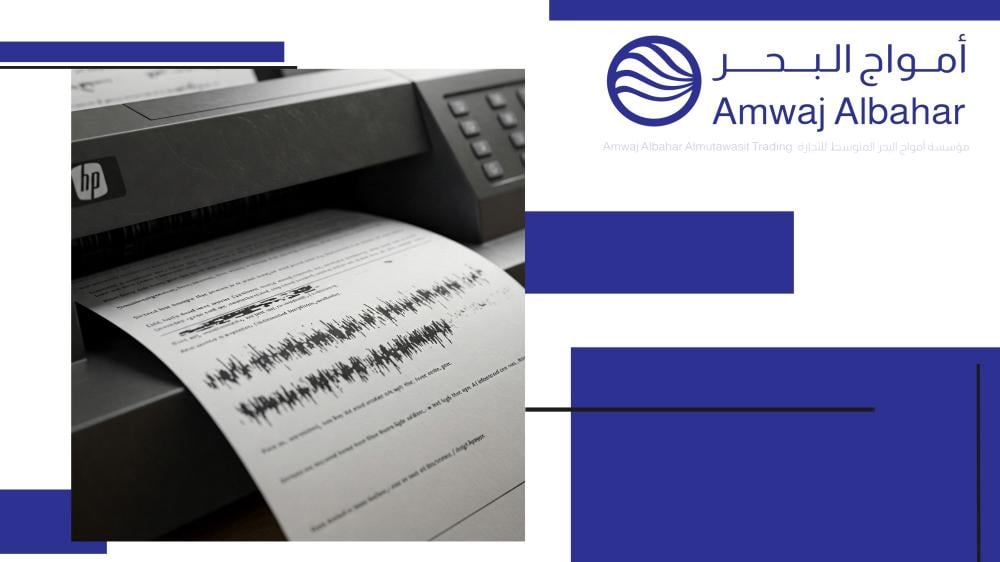

Having trouble printing? Black paper, annoying lines, sudden stops? Discover here practical and quick solutions to the most common printer malfunctions (laser and inkjet), and get ready for hassle-free printing!
A printer is an indispensable device, but malfunctions can be quite disruptive! Don't worry, this concise guide will save you time and effort. We'll address the most common printer problems you might encounter, whether it's a laser or inkjet printer , and provide focused solutions to get it working efficiently again.
Common problems and their concise solutions
1. The black page:
- The problem: Printing a completely or partially black page.
- Solution: Clean the printer internally. Check the ink or toner cartridge and the imaging drum unit . They may need to be replaced.
2. Lines and spots:
- The problem: Black lines or unwanted spots appear when printing .
- Solution: Clean the printheads (for ink). Replace any damaged or empty printer cartridges . Use good quality paper.
3. Poor response and slowdown:
- The problem: The printer stops working or does not respond to commands.
- Solution: Restart your devices. Update your printer driver . Clear the print queue .
4. Poor print quality:
- The problem: faded and unclear printouts.
- Solution: Check the ink/toner levels. Change the quality settings to "high". Use suitable paper.
5. Paper problems:
- Problem: The printer stops working because the paper is crumpled or wrinkled.
- Solution: Store the paper correctly. Load it in a way that fits in the tray. Remove any stuck paper .
- Related keywords: Printer stops working due to lack of paper .
Don't let printer malfunctions derail your work! By following these quick and effective solutions, you can overcome most common printing problems and get back to peak productivity. Remember, regular maintenance keeps your printer running smoothly.