

In the age of information and technology, printing remains an essential element of our daily lives, whether in schools, offices, or businesses. But did you know that the paper used plays a crucial role in determining print quality? In this article, we'll take you on a detailed tour of the world of printing paper , exploring its types, uses, and the best paper to use with each type of printer, whether laser, thermal, or inkjet.
The importance of choosing the right type of paper for printing
Why does paper affect print quality?
Paper is not merely a white background on which text and images are printed; it is a fundamental element that directly affects ink clarity, drying speed, smudge resistance, and even the texture of the final prints. Each printer has specific requirements regarding paper's ink absorption and heat tolerance.
How does the choice of paper affect the printer itself?
Using unsuitable paper may lead to:
- Damage to internal printer parts.
- Frequent malfunctions in the automatic paper feeding.
- Poor print quality and a lot of ink or toner waste.
Common types of printing paper
1. Plain Paper
It is used in the daily printing of documents such as contracts, invoices, and reports.
Specifications:
- Weight: 70-90 g/m²
- Color: Pure white or natural white
Features:
- economic
- widely available
- Suitable for laser and inkjet printers
Disadvantages:
- Not suitable for high-quality or color printing
- It does not display images or graphics accurately.
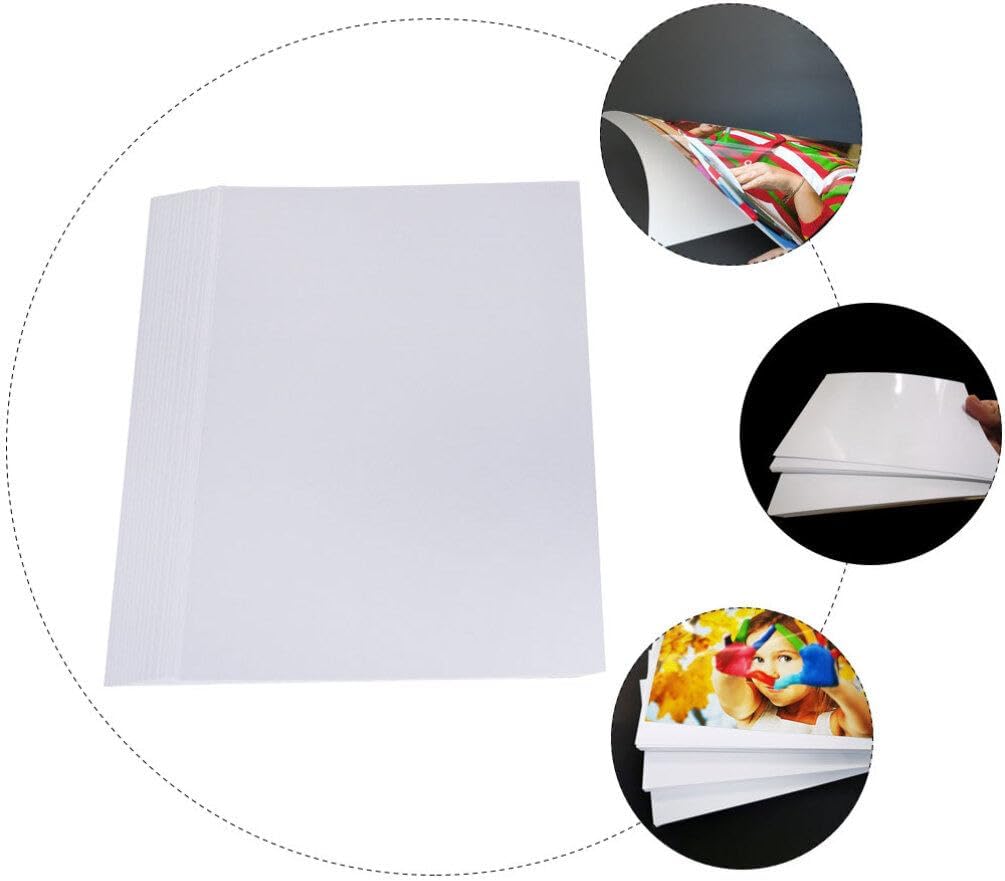
2. Glossy Paper
Ideal for printing photos or advertising posters, it features a gloss that enhances the vibrancy of colors.
Features:
- Vibrant colors and clear details
- professional appearance
Disadvantages:
- More expensive than regular paper
- It requires a compatible printer (usually inkjet).
3. Matte Paper
It provides a smooth, glare-free surface, making it comfortable for the eyes in presentations or magazines.
Features:
- Print clarity in high light
- fingerprint resistant
Disadvantages:
- Less vibrant colors compared to glossy paper
4. Thermal Paper
It is used in thermal printers such as receipt and cashier printers, and is characterized by its sensitivity to heat.
Features:
- No ink needed
- Fast and efficient printing
Disadvantages:
- Not suitable for long-term use
- Sensitive to light, humidity, and heat
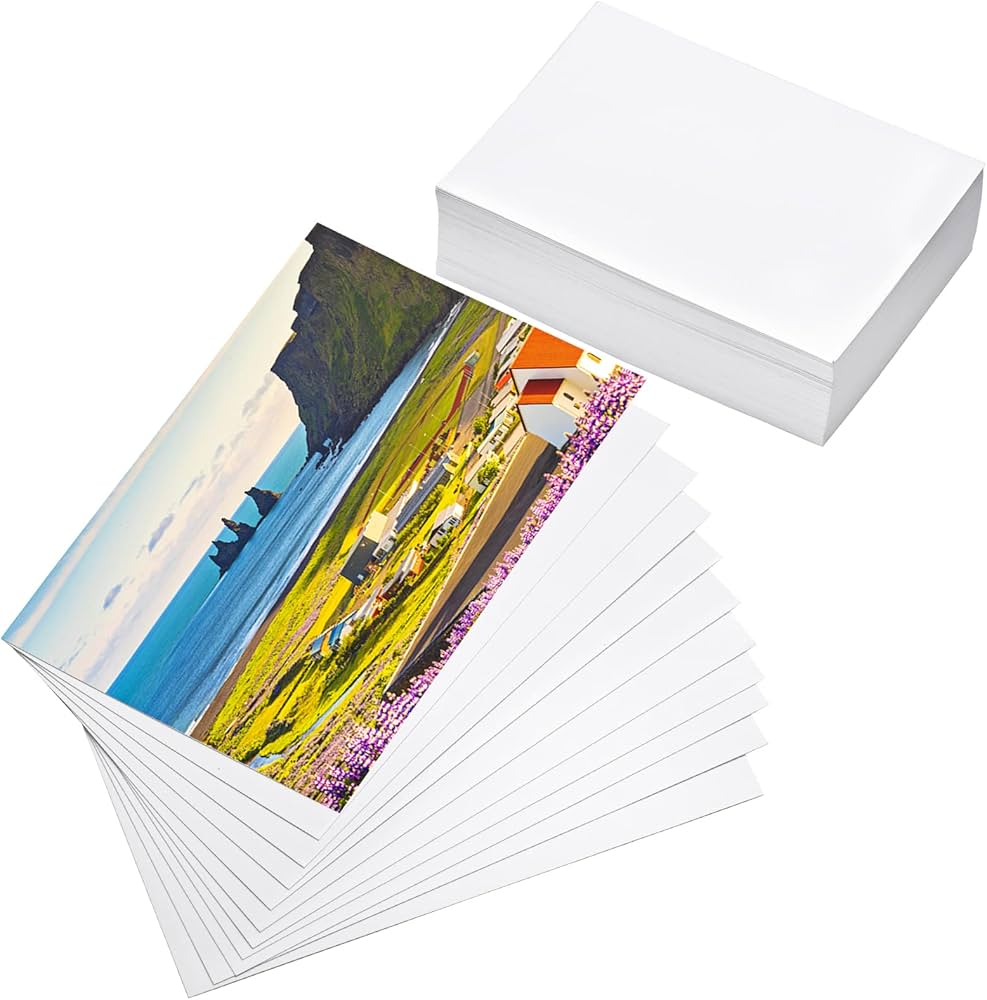
5. Photo Paper
Designed specifically for high-resolution printing of personal or promotional photos, available in glossy and matte finishes.
Features:
- Professional printing results
- Stain and moisture resistant
Disadvantages:
- Relatively expensive
- Requires compatible printers and precise settings
Best paper for printing using laser printers
What are laser printers?
Laser printers rely on high heat to melt the toner (dry ink) onto the paper. Therefore, heat-resistant paper that won't warp must be used.
Types of paper suitable for laser printers:
- High-quality paper weighing 90-120 g/m² : Excellent for text and graphics printing.
- Special coated paper for laser printers : ideal for color printing.
- Compatible recycled paper : an economical and environmentally friendly option.
Tips for choosing laser paper:
- Avoid using very thin paper as it may curl up inside the printer.
- Do not use paper intended for inkjet printers.
- Make sure the paper is stamped with the words "Laser Compatible".
Best paper for printing using a thermal printer
How does a thermal printer work?
It works without ink, and uses direct heat to print text or images onto special paper.
Types of thermal paper:
- Direct thermal paper :
- It is used for short-term printing.
- Suitable for invoices and airline tickets.
- Top-coated thermal paper :
- Resistant to moisture and fading.
- It is used in outdoor settings or for long bills.
Criteria for selecting thermal paper:
- Choose paper that is rated for high sensitivity.
- Make sure its expiry date has not expired.
- Store the paper in a dry, cool environment away from direct light.
Best paper for inkjet printers
What makes Inkjet printers special?
Liquid ink droplets are used that are sprayed onto the paper, making the interaction of the paper with the ink a crucial factor in the final result.
Ideal paper types for Inkjet:
- Inkjet Matte Paper : Ideal for text and graphics.
- Glossy Inkjet Paper : Excellent for printing photos.
- Heavy Photo Paper : For high-quality professional printing.
Advantages of using the correct paper:
- It prevents the ink from spreading.
- It preserves the sharpness of images and text.
- It increases the lifespan of the printer and reduces malfunctions.
Professional tips for high-quality printing
- Make sure the paper is compatible with the printer type .
- Choose the appropriate paper weight according to the purpose (80g for documents – 120g for presentations – 200g for photos).
- Test the paper before buying large quantities .
- Store the paper in a suitable environment to avoid warping or moisture.
Conclusion
Understanding the different types of printing paper and their uses is not a trivial matter, as some might think; it's essential for achieving optimal print quality and ensuring your printer lasts as long as possible. Whether you're printing office documents, personal photos, or electronic invoices, choosing the right paper for your printer—laser, thermal, or inkjet—is key to success.
Frequently Asked Questions (FAQs)
❓ Can any paper be used in any printer?
No, every printer needs a specific type of paper that is compatible with its printing technology.
❓ What is the best paper for printing photos?
Glossy photo paper designed for inkjet printers is the best.
❓ Is thermal paper usable for a long time?
No, it usually fades after a short time, especially if exposed to heat or light.
For more articles about printers and their problems, click here.
If you are looking for Roco printing paper, click here.